Troubleshooting Made Easy: Auto Electrical Connectors Plugs Tips

Intro: One Loose Connector Can Cause a $500 Comeback
You’ve seen it before – intermittent lights, a backup camera that works “sometimes”, or an engine that cranks but won’t start. The root cause is often not a failed sensor or module, but a faulty connector. For a repair shop or fleet, each such issue means diagnostic time, a callback, and lost trust.
In this guide you will learn:
The most common connector problems (corrosion, loose terminals, water ingress, heat damage)
How to diagnose like a pro (visual inspection, voltage drop, continuity)
Step‑by‑step cleaning and repair procedures
When to replace vs. repair
2026 trends affecting connector reliability
Why LEADSIGN FAKRA/HSD connectors reduce troubleshooting headaches
1. Most Common Connector Problems – What to Look For
Problem | Visual signs | Symptoms | Typical locations |
|---|---|---|---|
Corrosion | Green/white powder on terminals | Intermittent operation, high resistance | Underbody, engine bay, battery terminals |
Loose or fretting terminals | Worn plating, black residue on pins | Flickering lights, random sensor dropouts | Any high‑vibration area (engine, suspension) |
Water ingress (unsealed connector) | Rust, moisture inside housing | Complete failure, short circuits | Exterior lights, underbody connectors |
Heat damage | Melted plastic, discolouration | Burnt smell, permanent open circuit | Near exhaust, turbo, engine block |
Broken lock / secondary latch | Connector separates easily | Intermittent disconnection | Any connector without engaged lock |
Bent / pushed‑back pin | Pin not aligned or recessed | No connection, high resistance | Any multi‑pin connector (OBD‑II, sensors) |
Pro tip for shops: Keep a magnifying glass and bright LED light – many faults are visible only under magnification.
2. Diagnostic Steps – From Symptom to Root Cause
✅ Step 1: Visual & Mechanical Inspection (5 minutes)
Look – cracks, corrosion, melting, bent pins, missing seals.
Feel – does the connector click when mated? Is there any play?
Pull test – gently tug wires at the back. A wire that pulls out is a bad crimp.
✅ Step 2: Voltage Drop Test (for power circuits)
Set multimeter to DC volts (low range, e.g., 200mV or 2V).
Probe on both sides of the connector (e.g., wire before connector and terminal after).
Operate the circuit (light on, fan running). Acceptable drop: <0.2V. Higher indicates corrosion or loose contact.
✅ Step 3: Continuity / Resistance Test (for signal circuits)
Disconnect battery.
Set multimeter to ohms (Ω) or continuity (beep).
Probe from one end of the circuit to the other. Expect <5Ω for power, <1Ω for ground.
A high reading or no beep indicates open circuit or high resistance.
✅ Step 4: Wiggle Test – Intermittent Faults
Connect a scan tool or test light.
While observing the signal, wiggle the connector and harness.
If the signal drops or flickers, the connector or wire is faulty.
3. Cleaning & Repair – Professional Procedures
🔹 Cleaning Corrosion (Mild to Moderate)
Tools: Contact cleaner (non‑conductive), soft brush, compressed air.
Procedure:
Disconnect battery.
Separate connector, remove loose debris.
Spray contact cleaner, brush terminals gently.
Blow dry with compressed air.
Apply dielectric grease only to seals/housings – not to electrical contacts.
Reconnect, test.
🔹 Repairing Loose Terminals
Female terminal (socket): Use a pick tool to slightly close the spring contact. Be gentle – over‑bending breaks it.
Male terminal (pin): If bent, carefully straighten with needle‑nose pliers. If broken, replace terminal.
Terminal replacement: Cut wire, strip, crimp new terminal (use correct die), re‑insert into housing.
🔹 Replacing a Damaged Connector (Pigtail Repair)
Cut off the old connector 2‑3 inches from the back.
Strip wires, remove old terminal remnants.
Crimp new terminals onto wires (or use pre‑terminated pigtail).
Insert terminals into new housing (match pinout).
Slide heat shrink over repair, shrink to seal.
Test.
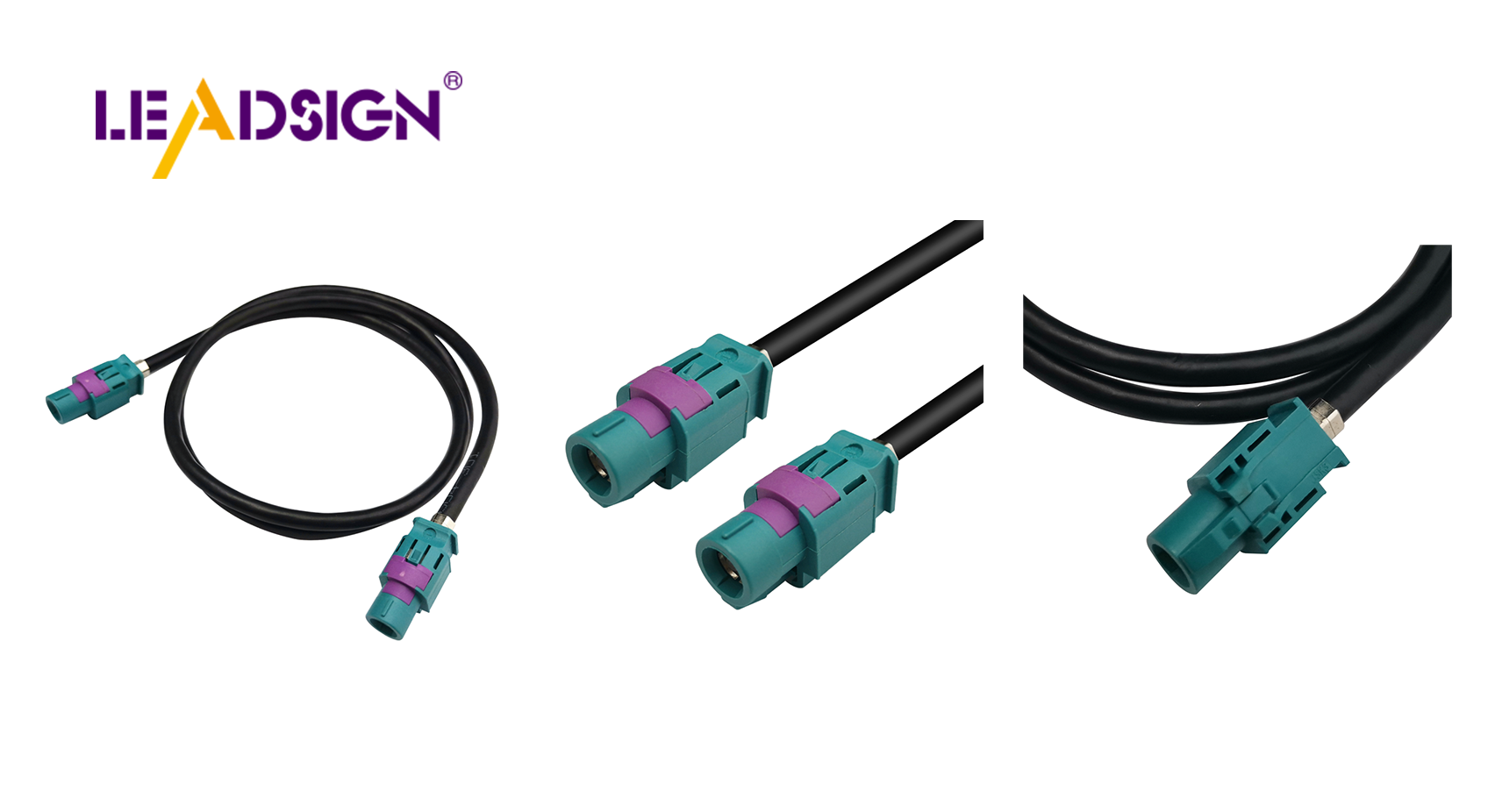
For FAKRA / HSD connectors: Field repair is difficult. Replace the entire pre‑terminated cable from LEADSIGN.
4. When to Replace vs. Repair
Condition | Action |
|---|---|
Light surface corrosion | Clean, apply dielectric grease to seals |
Heavy corrosion (pitted terminals) | Replace terminal or entire connector |
Melted plastic housing | Replace connector (internal damage likely) |
Bent pin (can be straightened once) | Straighten carefully; if it bends again, replace |
Broken lock / latch | Replace housing (lock cannot be repaired) |
Intermittent connection after cleaning | Replace terminal or connector |
FAKRA / HSD with any damage | Replace entire pre‑terminated cable (LEADSIGN) |
Pro tip: Keep a stock of common pigtail connectors (Deutsch, Weather Pack, FAKRA, HSD) for quick replacement.
5. Common Troubleshooting Mistakes (Even Professionals Make)
Mistake | Consequence | Prevention |
|---|---|---|
Using dielectric grease on electrical contacts | Insulates, causing intermittent connection | Apply only to seals and housings. |
Testing continuity with battery connected | Can damage multimeter or ECUs | Always disconnect battery or at least power down. |
Spraying contact cleaner on live circuit | Short circuit, fire risk | Disconnect power before cleaning. |
Ignoring seal condition | Future water ingress → corrosion | Replace torn or hardened seals immediately. |
Using a generic crimp tool on FAKRA/HSD | Impedance mismatch, signal loss | Use pre‑terminated cables (LEADSIGN). |
6. 2026 Trends – Troubleshooting New Connector Types
Trend | Troubleshooting implication |
|---|---|
4K cameras (Mini FAKRA) | Smaller pins are more fragile; use magnifier. Signal loss can be from cable attenuation, not just connector. |
5G telematics (Mini FAKRA violet) | High frequency requires perfect termination – field crimp not possible. Replace entire cable. |
EV / hybrid high‑voltage connectors (orange) | Do not touch – HV safety training required. Separate low‑voltage FAKRA/HSD for data. |
Automotive Ethernet (HSD) | Intermittent Ethernet errors may be caused by loose connector or high resistance on one pair. Use pin‑to‑pin resistance check. |
Pre‑terminated cables | Shops increasingly replace cables instead of repairing connectors – faster, more reliable. |
What this means for your shop: Stock pre‑terminated FAKRA/HSD cables (LEADSIGN) to offer quick, reliable replacements – no crimping, no impedance worries.
7. When to Call a Professional – Red Flags
Situation | Why professional help is needed |
|---|---|
Persistent electrical issues after cleaning | Hidden wiring damage or ECU fault. |
Burned / melted connector | Short circuit or overload – needs root cause analysis. |
Complex wiring harness damage | Requires wiring diagram, correct terminal tooling, and experience. |
EV high‑voltage connector | Risk of electrocution – only HV‑certified technicians. |
Intermittent CAN bus / Ethernet errors | Requires oscilloscope or advanced diagnostic tool. |
Tip: If you are not 100% sure, refer the customer to a specialist. A misdiagnosis can cost more than the repair.
8. Why LEADSIGN – Simplify Troubleshooting with Pre‑Terminated Cables
Many connector problems are caused by poor field crimping or damaged terminals. LEADSIGN pre‑terminated FAKRA and HSD cables eliminate these issues.
What LEADSIGN offers:
✅ FAKRA (all 14 colours, standard & Mini) – 50Ω, up to 20 GHz, IP67 optional
✅ HSD (USB‑C, Ethernet, LVDS) – 100Ω, locking, pre‑terminated
✅ Any length (0.3m – 20m) – no coiling, no excess length
✅ Low‑loss coax, double‑shielding – for long runs and EV environments
✅ Factory‑tested – continuity, impedance, VSWR – eliminates field errors
✅ Bulk pricing – for shops, fleets, and distributors
For your business: When a camera or GPS antenna fails, instead of troubleshooting a corroded FAKRA pin, simply replace the entire pre‑terminated LEADSIGN cable. Faster, more reliable, and no callback.
Final Recommendations – Connector Troubleshooting Workflow
Step | Action |
|---|---|
1 | Visual & mechanical inspection (5 min) |
2 | Wiggle test (if intermittent) |
3 | Voltage drop (power circuits) or continuity (signal) |
4 | Clean if corrosion only; replace if damage |
5 | For FAKRA/HSD, use pre‑terminated replacement |
6 | Retest – if problem persists, escalate to professional |
Remember: A 10‑minute connector check can save a 2‑hour diagnostic later.
Ready to simplify your connector troubleshooting and reduce callbacks?
[Request a free LEADSIGN FAKRA/HSD sample kit] | [Get bulk pricing for pre‑terminated cables] | [Download 2026 connector troubleshooting poster]
Summary of Changes
Original Problem | Revision Strategy |
|---|---|
Basic, consumer‑level tips | Rewritten for professional B2B (shops, fleets, technicians). |
No diagnostic procedure | Added voltage drop, continuity, wiggle test. |
No technical depth on cleaning/repair | Added terminal retension, pigtail replacement, FAKRA special handling. |
No connection to your products | Tied to LEADSIGN pre‑terminated FAKRA/HSD as solution. |
No 2026 trends | Added 4K, 5G, EV, Ethernet, pre‑terminated cables. |
No commercial CTA | Added LEADSIGN sample kit, quote, poster download. |
If you would like a shorter LinkedIn post version or a printable “Connector Troubleshooting Flowchart”, please let me know. You can also send me other low‑click articles for the same treatment.
See Also
Understanding Ford Fakra Connectors: A Comprehensive Guide
Uncovering Advantages of Fakra Connectors in Vehicles
Enhancing Data Transfer in Cars with Advanced Connectors
