How to Troubleshoot Vehicle Connectors Effectively – Professional B2B Guide (2026)

Intro: Early Diagnosis Prevents Costly Failures and Safety Hazards
Vehicle connectors are critical for power and signal transmission – engine control, infotainment, safety systems (airbags, ABS). Moisture, vibration, temperature extremes, and chemical exposure can degrade connectors, leading to intermittent faults, flickering lights, sensor errors, or complete system failure. Regular inspection, cleaning, testing, and timely replacement are essential for vehicle reliability. This guide covers common connector problems, step‑by‑step troubleshooting, cleaning and protection techniques, testing methods, and preventive maintenance. For high‑speed data connectors (FAKRA, HSD), specialised pre‑terminated cables from LEADSIGN eliminate many field‑failure risks.
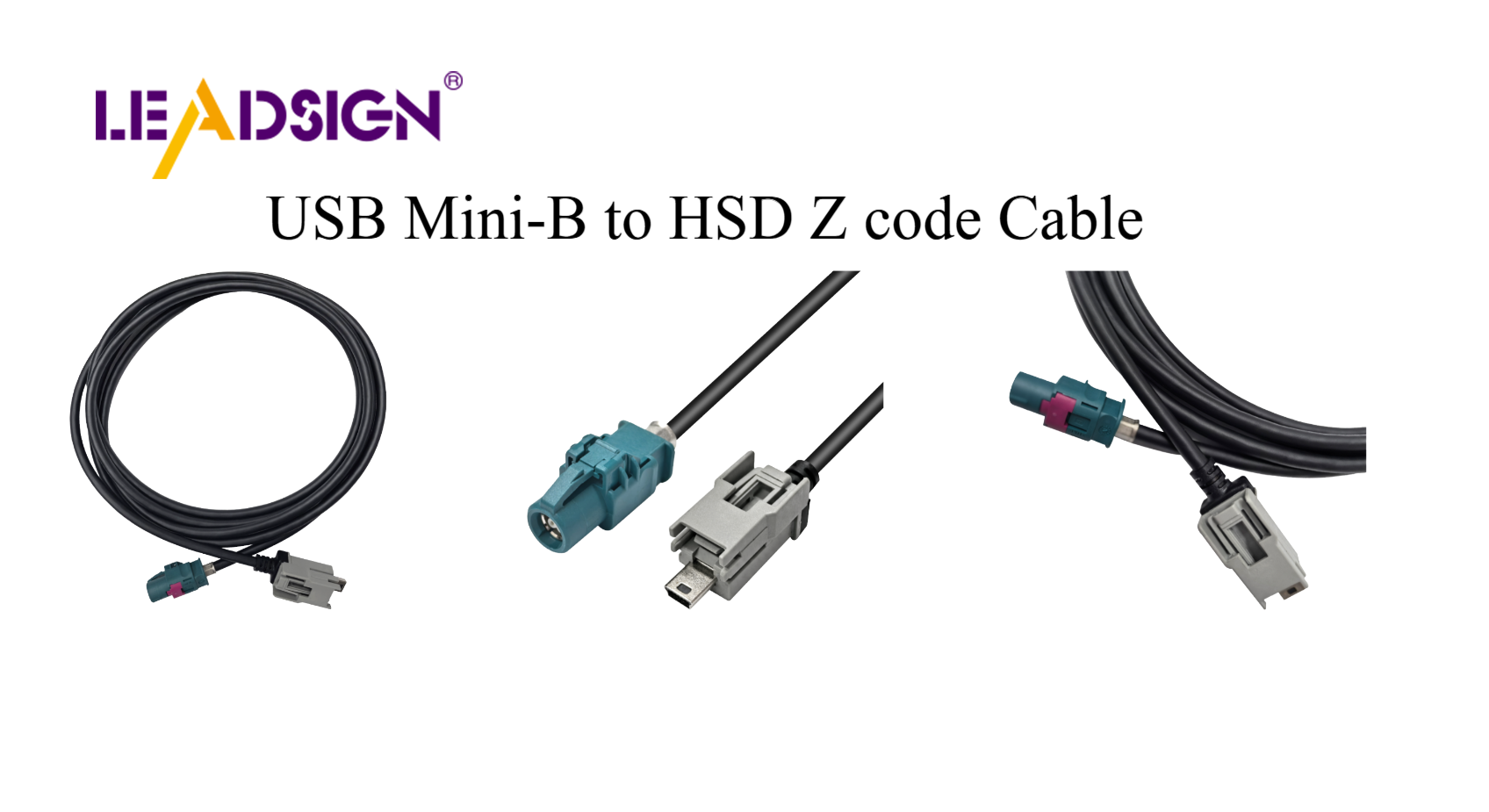
1. Common Problems with Vehicle Connectors
Problem | Cause | Symptom | Prevention |
|---|---|---|---|
Corrosion (green/white powder) | Water ingress, road salt, unsealed connectors | High resistance, intermittent signal | Use sealed (IP67) connectors; apply dielectric grease to seals |
Loose connection | Vibration, poor crimp, no secondary lock | Flickering lights, intermittent sensor | Use connectors with CPA; perform pull test |
Broken parts (cracked housing, bent pins) | Physical damage, forced mismating | No connection, short circuit | Handle carefully; replace damaged connectors |
Moisture / humidity | Unsealed connectors | Corrosion, intermittent operation | Use IP67/IP69K rated connectors |
Temperature extremes | Engine bay heat, cold climate | Cracking, loosening | Use connectors rated -40°C to +125°C |
Dirt / debris | Off‑road, dusty environments | Poor contact | Clean with contact cleaner; use dust caps |
Vibration / shock | Rough roads | Terminal loosening | Use secondary lock / CPA |
Chemical exposure (salt, oil, coolant) | Leaks, road spray | Material degradation | Use chemically resistant housing (Deutsch, Weather Pack) |
Pro tip: During troubleshooting, wiggle the connector while the circuit is powered – if the device flickers, the connector is faulty.
2. Step‑by‑Step Troubleshooting Guide
✅ Step 1: Visual Inspection
Look for corrosion (green/white powder), cracks, melted plastic, bent pins.
Check seals – torn or hardened grommets allow water ingress.
Verify locking mechanism – should click when mated.
✅ Step 2: Cleaning the Connectors
Disconnect battery (negative first).
Blow out loose debris with compressed air.
Spray electrical contact cleaner (plastic‑safe) on terminals and housing.
Gently brush terminals with a soft brush.
Blow dry with compressed air.
Apply dielectric grease to rubber seals – not to electrical contacts.
Reconnect – push until click.
Do not use: Water, WD‑40, brake cleaner, vinegar, or baking soda.
✅ Step 3: Testing the Connectors
Test | Tool | Procedure | Pass / Fail |
|---|---|---|---|
Continuity | Multimeter (beep mode) | Probe both ends of same wire | Beep = good; no beep = open circuit |
Voltage drop | Multimeter (DC volts) | Measure across connector while circuit is loaded | <0.2V = good; higher = resistance |
Resistance to ground | Multimeter (ohms) | Probe pin to chassis ground | >1 MΩ = good; lower = short |
✅ Step 4: Repair or Replace
Minor issues (bent pins, light corrosion): straighten pins, clean, re‑test.
Major damage (melted housing, deep corrosion, broken lock): replace connector.
For FAKRA/HSD data connectors: Replace entire pre‑terminated LEADSIGN cable – do not attempt field repair.
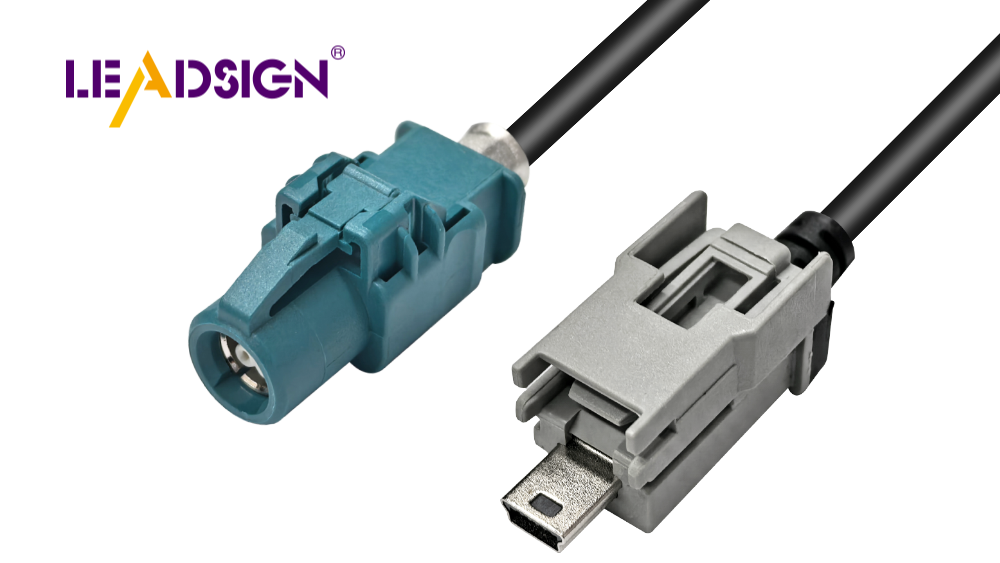
3. Tools and Products for Effective Troubleshooting
Tool / product | Purpose |
|---|---|
Multimeter | Continuity, voltage drop, resistance |
Needle‑nose pliers | Straightening bent pins |
Plastic‑safe contact cleaner | Removing dirt, grease, light corrosion |
Compressed air canister | Blowing out debris |
Wire strippers & ratcheting crimper | Repairing or replacing terminals |
Dielectric grease | Protecting seals from moisture |
Heat‑shrink tubing (adhesive‑lined) | Sealing splices and connector backs |
Sealed connectors (Deutsch, Weather Pack, FAKRA) | Preventing water ingress |
Advanced methods:
Voltage drop testing – identifies high‑resistance connections.
Pin drag testing – checks terminal retention force.
Oscilloscope – diagnoses signal integrity issues on data lines.
4. Preventive Maintenance – Extending Connector Life
Task | Frequency | Action |
|---|---|---|
Visual inspection | Every 6 months / 20,000 km | Check for corrosion, cracks, loose locks. |
Cleaning | Annually or after water exposure | Use contact cleaner; apply dielectric grease to seals. |
Pull test | Every service | Gently tug wires – should not move. |
Seal check | Every service | Ensure grommets are not torn or hardened. |
For data connectors | As needed | Replace pre‑terminated LEADSIGN cable if any damage. |
Environmental considerations:
Moisture: Use sealed (IP67/IP69K) connectors for underbody/exterior.
Temperature: Engine bay requires -40°C to +125°C rating.
Dirt: Use dust caps when connectors are unmated.
Chemicals: Choose chemically resistant housings (Deutsch, Weather Pack).
5. 2026 Trends – What’s Changing
Trend | Implication |
|---|---|
4K cameras and 5G telematics | Mini FAKRA (20 GHz) connectors are more sensitive – field repair impossible. |
EV / hybrid | High‑voltage (orange) connectors – do not touch. Low‑voltage data lines need double shielding. |
Pre‑terminated cables | Shops use LEADSIGN plug‑and‑play FAKRA/HSD cables – no field termination errors. |
Modular harness designs | Colour‑coded, labelled connectors reduce troubleshooting time. |
6. Why LEADSIGN – Simplify Data Connector Troubleshooting
Many connector problems originate from field‑crimped FAKRA or HSD cables – improper crimping, damaged centre pins, or impedance mismatch. LEADSIGN pre‑terminated cables eliminate these variables.
What LEADSIGN offers:
✅ FAKRA (standard & Mini) – all 14 colours, 50Ω, up to 20 GHz, IP67 optional
✅ HSD (USB‑C, Ethernet, LVDS) – 100Ω, locking, up to 5 Gbps
✅ Pre‑terminated cables – any length 0.3m – 20m, no field crimping
✅ Low‑loss, double‑shielded coax – for long runs and EV environments
✅ Bulk pricing – for shops, fleets, and distributors
For your business: When a camera or GPS antenna fails, replace the entire LEADSIGN pre‑terminated cable – faster, more reliable, and no callback.
Final Recommendations – Troubleshooting Checklist
Step | Action |
|---|---|
1 | Visual inspection (corrosion, cracks, bent pins, loose locks). |
2 | Clean with contact cleaner; apply dielectric grease to seals. |
3 | Test continuity, voltage drop, and resistance with multimeter. |
4 | If power connector is damaged, re‑crimp or replace. |
5 | If data connector (FAKRA/HSD) is damaged, replace with LEADSIGN pre‑terminated cable. |
6 | Perform wiggle test – confirm no intermittent operation. |
7 | Document findings – track recurring failure points for fleet vehicles. |
Remember: A systematic troubleshooting approach saves diagnostic time and prevents repeat failures. For data lines, never field‑crimp – use pre‑terminated LEADSIGN cables.
Ready to eliminate data connector failures with pre‑terminated solutions?
[Request a free LEADSIGN FAKRA/HSD sample kit] | [Get bulk pricing]
See Also
Enhancing Vehicle Data Flow With Advanced Connectors
Why Fakra Connectors Matter For Honda Cars
Fakra Connectors: Essential For Today's Automotive Technology
Discovering The Advantages Of Fakra Connectors In Cars
Boosting Data Transfer With High-Speed Automotive Connectors
