Unbiased Review of Toyota Tacoma Accessories & Vehicle Cable Innovations (2026)

Intro: Upgrade Your Tacoma the Right Way – Performance, Comfort, and Reliable Connectivity
The Toyota Tacoma is one of the most capable mid-size trucks on the market. But even the best truck can benefit from carefully chosen accessories – and from modern cable innovations that keep your electrical systems reliable, especially when you add aftermarket electronics like backup cameras, infotainment upgrades, and lighting.
In this unbiased review, we cover:
Top Tacoma accessories for exterior, interior, and performance
Vehicle cable innovations that matter – better wiring harnesses, USB-C fast charging, OBD-II diagnostics
How high‑quality connectors and cables prevent electrical failures when you add accessories
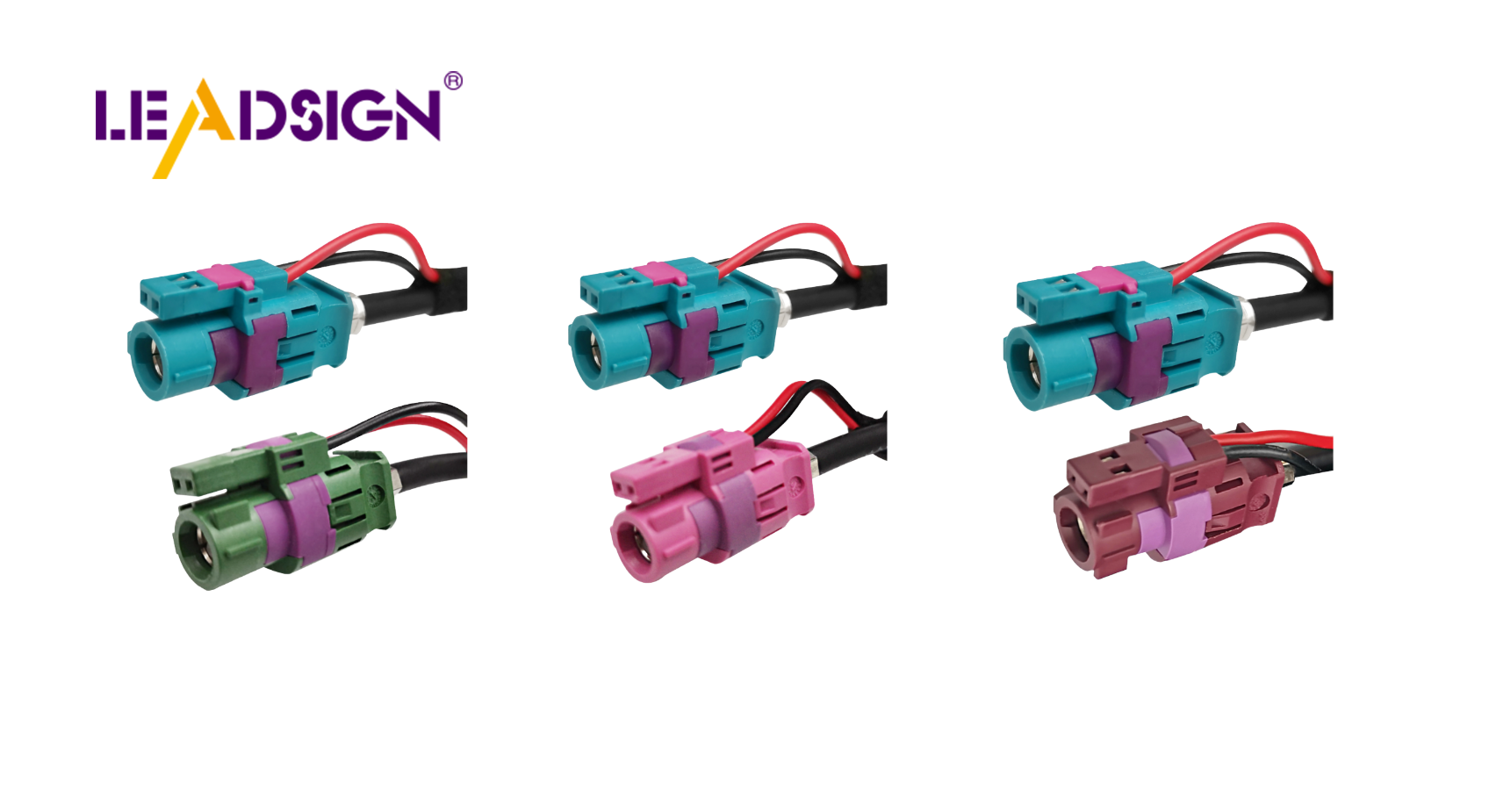
Why FAKRA and HSD connectors are essential for backup cameras and infotainment systems
Whether you’re an off‑road enthusiast or a fleet manager, these insights will help you choose upgrades that last.
1. Best Toyota Tacoma Accessories in 2026
🔹 Exterior Accessories
Accessory | Benefit | What to look for |
|---|---|---|
Bed cover | Protects cargo, improves aerodynamics, saves fuel | Roll‑up, tri‑fold, or retractable; weather‑sealed |
Roof rack | Extra storage for bikes, kayaks, camping gear | Load rating, Tacoma‑specific fit |
Off‑road bumper | Protects front/rear, winch and light mounts | Steel construction, powder‑coated, winch compatible |
🔹 Interior Accessories
Accessory | Benefit |
|---|---|
Seat covers | Protects from spills, dirt, wear – custom fit (leather or heavy fabric) |
All‑weather floor mats | Traps mud, water, snow – easy to clean |
Organizers (under‑seat, console) | Keeps cabin tidy – tools, straps, gadgets |
🔹 Performance Upgrades
Upgrade | Effect |
|---|---|
Suspension kit | Smoother ride, better off‑road handling |
Cat‑back exhaust | Improves airflow, adds power, enhances sound |
Cold air intake | Cooler air = more horsepower and throttle response |
2. Modern Tech Gadgets for Your Tacoma
Gadget | Why it matters |
|---|---|
Dash cam | Records accidents, parking surveillance – night vision and wide lens recommended |
Infotainment upgrade | Adds Apple CarPlay, Android Auto, voice control – improves navigation and music |
Wireless charging pad | No cables, fast charging – keeps dashboard tidy |
3. Vehicle Cable Innovations – The Hidden Upgrade That Prevents Failures
When you add accessories, you also add wiring. Poor‑quality cables and connectors are a leading cause of electrical issues – flickering lights, camera dropout, slow charging, even drained batteries. Upgrading your Tacoma’s cabling ensures your accessories work reliably.
🔹 Better Wiring Harnesses
Why upgrade: Factory harnesses are designed for stock loads. Adding lights, winches, or a camera may overload a thin circuit.
What to use: A dedicated auxiliary harness with thicker gauge wire (e.g., 14 AWG or 12 AWG) and a fuse block.
Pro tip: Use sealed Deutsch or Weather Pack connectors for any exterior harness – they resist water, mud, and vibration.
🔹 USB-C Ports – The New Standard
Why upgrade: USB-C charges devices 3‑4x faster than older USB‑A. It also supports data transfer for CarPlay/Android Auto.
Installation: Many aftermarket USB‑C ports fit directly into Tacoma blank switch locations. Use a locking HSD USB‑C cable to prevent disconnect during off‑road driving.
🔹 OBD-II Cables – Unlock Your Truck’s Data
What it does: Plugs into the diagnostic port (under dashboard). Allows you to read engine codes, monitor fuel economy, and even adjust settings (with a compatible app).
Recommendation: A reliable OBD-II to Bluetooth or USB cable lets you use apps like Torque Pro or Tacoma specific tuners.
Safety note: Use a cable with strain relief – a loose OBD‑II connector can cause intermittent communication errors.
4. Why High‑Quality Connectors and Cables Matter for Tacoma Accessories
Problem | Cause | Solution |
|---|---|---|
Backup camera flickers / no image | Using a cheap 75Ω TV coax instead of 50Ω automotive coax | Use FAKRA (blue) 50Ω coax cable – pre‑terminated recommended |
Intermittent USB‑C CarPlay disconnects | Standard USB cable not rated for vibration | Use locking HSD USB‑C cable (LEADSIGN offers custom lengths) |
Corrosion under vehicle (lights, winch) | Non‑sealed connectors | Use IP67 or IP69K sealed connectors (Deutsch, Weather Pack, or sealed FAKRA) |
Slow phone charging | Old USB‑A port or thin wire | Upgrade to USB‑C with proper gauge (22‑24 AWG for data + power) |
Key takeaway for Tacoma owners: A 400cameraor400cameraor800 infotainment system is only as reliable as the cable and connector that connect it. Invest in automotive‑grade, sealed, impedance‑matched cables.
5. Compatibility and Installation Tips
Check year and trim: Accessories for 2016‑2023 Tacoma may not fit the 2024+ redesign. Always verify.
Choose trusted brands: For seat covers, floor mats, and bed covers – WeatherTech, Husky, Rough Country, and OEM are safe bets.
For cables and connectors: LEADSIGN specializes in FAKRA and HSD cables – pre‑terminated, custom lengths, no field crimping.
DIY vs. professional: Simple accessories (floor mats, bed cover) are DIY. Wiring (camera, lighting, suspenion) – hire a professional if you are not comfortable with 12V systems.
6. Maintenance – Keep Your Accessories and Cables Working
Task | Frequency | Action |
|---|---|---|
Clean seat covers & floor mats | Monthly | Vacuum, wipe with mild soap |
Inspect exterior cables (underbody, lights) | Every 6 months | Look for chafing, corrosion, loose connectors |
Test USB‑C / FAKRA cables | With every accessory use | If camera flickers or charging slows, replace cable |
Replace worn items | As needed | Torn mats, cracked wires, corroded terminals |
Final Verdict
The Toyota Tacoma is a versatile platform that becomes even better with well‑chosen accessories. Bed covers, roof racks, seat covers, and performance upgrades are all worthwhile. But don’t overlook the cables and connectors that power your added electronics – they are often the weak link.
For power and grounding, use sealed Deutsch or Weather Pack.
For camera video, use FAKRA (blue) 50Ω coax.
For fast charging and CarPlay, use locking HSD USB‑C.
Ready to upgrade your Tacoma with reliable, high‑speed cabling?
See Also
Enhancing Vehicle Data Transfer With Innovative Connectors And Cables
Understanding The Advantages Of Fakra Connectors In Vehicles
Why Fakra Connectors Matter For Today's Automotive Technology
Boosting Data Transfer: The Significance Of Fast Automotive Connectors
