Quick Tips for Identifying Automotive Wiring Connector Types – Professional B2B Guide (2026)

Intro: Accurate Identification Prevents Costly Comebacks
Misidentifying an automotive wiring connector can lead to wrong parts, forced installation, damaged terminals, and intermittent electrical failures. For repair shops and fleet managers, knowing how to quickly and correctly identify connector types – by pin count, shape, size, colour, and keyway – is essential for efficient repairs and customer satisfaction.
This guide provides practical tips to identify common automotive electrical connectors, highlights specific types (HSD, Deutsch, Weather Pack), and explains how to overcome identification challenges.
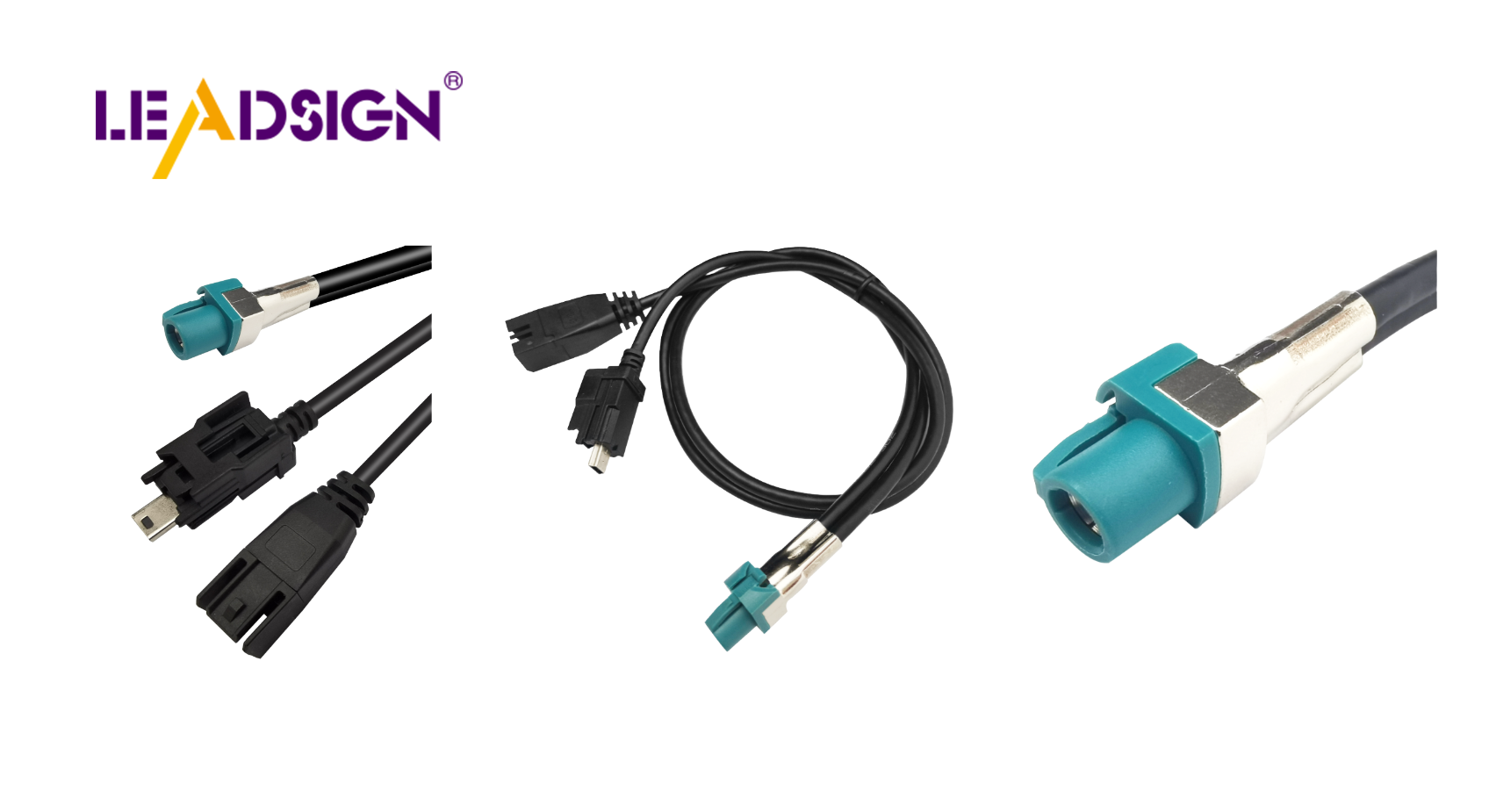
1. Key Factors in Identifying Car Electrical Connectors
Factor | What to check | Why it matters |
|---|---|---|
Pin count | Number of cavities (2, 4, 6, 8, 12, etc.) | Determines function – power (2‑pin) vs. data (4‑pin HSD) vs. complex ECU (12‑pin). |
Shape & size | Rectangular, circular, square, custom keyed | Indicates connector family – Deutsch DT (rectangular with side latches), FAKRA (colour‑coded rectangular), circular (heavy‑duty). |
Colour coding | Housing colour (red, blue, amber, green, etc.) | FAKRA uses 14 colours to indicate function (amber=GPS, blue=camera). Other colours may indicate manufacturer‑specific applications. |
Keyways / mechanical coding | Grooves, notches, or unique housing shapes | Prevents mismating – physically blocks wrong connector from mating. |
Pro tip: Keep a reference sample board of common connector families in your shop – Deutsch DT, Weather Pack, FAKRA standard, Mini FAKRA, HSD, Molex MX150, TE Super Seal.
2. Specific Connector Types – How to Identify Them
🔹 HSD Connectors (High‑Speed Data)
Appearance: Small, rectangular, often with a locking latch. 4‑pin or 6‑pin layout. Not colour‑coded; typically black or natural.
Function: High‑speed differential signals (100Ω) for USB‑C, Ethernet, LVDS cameras.
Key features: Secondary lock, audible click, gold‑plated pins.
Where used: USB‑C ports (CarPlay), ADAS cameras, automotive Ethernet.
🔹 FAKRA Connectors (Coaxial)
Appearance: Colour‑coded plastic housing (14 colours). Larger than HSD. Mechanical keying (colour‑specific).
Function: 50Ω RF signals – GPS, SDARS, backup camera video, 4G/5G antenna.
Key features: Secondary lock, colour‑coded (amber=GPS, blue=camera, violet=5G, white=SDARS, etc.).
Where used: Behind infotainment head units, antenna amplifiers, telematics modules.
🔹 Deutsch DT Connectors
Appearance: Rectangular, grey or black housing, side latches, multiple pin counts (2, 3, 4, 6, 8, 12). Sealed (IP67).
Function: Power and low‑frequency signals – engine sensors, lights, power distribution.
Key features: Secondary lock, silicone seals, solid or stamped contacts.
Where used: Engine bay, chassis, heavy‑duty trucks, off‑road equipment.
🔹 Weather Pack Connectors
Appearance: Similar to Deutsch but slightly different latch design. Grey housing, silicone wire seals.
Function: Sealed power and signal – exterior lighting, trailer wiring.
Key features: Integral terminal lock, lower cost than Deutsch.
Where used: GM vehicles, aftermarket lighting, marine.
3. Challenges in Identifying Connectors
Challenge | Why it happens | How to overcome |
|---|---|---|
Different manufacturers, different designs | Each carmaker uses proprietary connector families (e.g., Yazaki vs. TE). | Use online databases (Identiconn, Connector Finder) or vehicle‑specific service manuals. |
Weather and age damage | Heat, moisture, and UV degrade colour and markings, making identification difficult. | Clean connector with contact cleaner; use magnifying glass to see faint moulded part numbers. |
Many similar‑looking connectors | Different families (Deutsch vs. Weather Pack) look alike but have different keyways. | Compare latch style, seal shape, and terminal orientation. Keep reference samples. |
Pro tip: Take a clear photo of the connector (both male and female) with a ruler for scale. Send it to your supplier’s technical support – LEADSIGN offers free identification for FAKRA and HSD.
4. Practical Tips & Resources for Accurate Identification
Resource | Best use | Example |
|---|---|---|
Online databases (Identiconn, Connector Finder) | Search by pin count, shape, colour, or part number | Enter “2‑pin rectangular black, 5mm pitch” → returns possible matches. |
Manufacturer catalogues (TE, Molex, Amphenol, LEADSIGN) | Cross‑reference visible markings | Download PDF catalogues; search by series name. |
Vehicle service manuals | OEM‑specific connector views | Wiring diagrams often include connector face views with pin assignments. |
Expert forums / community | Rare or obsolete connectors | Post photos to automotive electrical forums (e.g., Reddit, iATN). |
Pro tip: Keep a digital library of common connector part numbers and photos on your shop tablet.
5. Why FAKRA/HSD Identification Matters – Colour Codes
Colour coding is unique to FAKRA connectors. Use this chart for rapid identification:
Colour | Application | FAKRA type | Typical vehicle system |
|---|---|---|---|
Amber | GPS / GNSS | C or H | Navigation antenna |
Blue | Camera video | D or Z (varies) | Backup / surround camera |
Violet | 4G/5G telematics | A (varies) | Telematics, emergency call |
White | SDARS (satellite radio) | K | Satellite radio antenna |
Bordeaux | AM/FM radio | E | Passive radio antenna |
Green | USB / infotainment | I | USB hub, auxiliary input |
If the colour is wrong, it will not fit. Do not force – you will damage the centre pin or housing.
6. Why LEADSIGN – Pre‑Terminated FAKRA/HSD Cables Eliminate Identification Errors
When you need to replace a damaged data connector, identifying an old, worn, or melted FAKRA/HSD can be difficult. LEADSIGN pre‑terminated cables remove the guesswork – they are colour‑coded for FAKRA and clearly labelled for HSD.
What LEADSIGN offers:
✅ FAKRA (standard & Mini) – all 14 colours, 50Ω, up to 20 GHz, IP67 optional
✅ HSD (USB‑C, Ethernet, LVDS) – 100Ω, locking, up to 5 Gbps
✅ Pre‑terminated cables – any length 0.3m – 20m, no field crimping
✅ Low‑loss, double‑shielded coax – for long runs and EV environments
✅ Bulk pricing – for shops, fleets, and distributors
✅ Free technical support – send a photo, we identify the connector for you
For your business: Instead of struggling to identify a weathered FAKRA type, simply order a LEADSIGN pre‑terminated cable by colour and length – plug‑and‑play, perfect fit, no callback.
Final Recommendations – Connector Identification Workflow
Step | Action |
|---|---|
1 | Clean connector with contact cleaner. |
2 | Count pins / cavities. |
3 | Note shape and keyways – rectangular, circular, colour‑coded? |
4 | Measure pitch (if pins visible). |
5 | Check colour – amber/blue/violet → FAKRA family. |
6 | If necessary, use online database or reference samples. |
7 | If still uncertain, send photo to LEADSIGN support. |
Remember: Forcibly mating a wrong connector damages pins and creates future failures. If it doesn't click easily, it's wrong.
Ready to simplify connector identification and reduce errors?
See Also
Exploring Ford Fakra Connectors: A Comprehensive Overview
Understanding HSD Connectors in Automotive Sector
Significance of Fakra Connectors in Contemporary Vehicles
Crucial Role of FAKRA Connectors in Auto Industry
In-Depth Look at Fakra Connectors: Fundamentals, Varieties, and Uses
