How to Identify and Replace Vehicle Connectors for Optimal Performance – Professional B2B Guide (2026)

Intro: Early Identification and Proper Replacement Prevent Costly Electrical Failures
Faulty vehicle connectors cause flickering lights, intermittent sensors, burnt smells, and even no‑start conditions. A single corroded or loose connector can disable critical systems – airbags, ABS, engine control, or backup cameras. Regular inspection, correct diagnosis, and timely replacement are essential for vehicle safety and reliability. This guide covers how to identify common connector types, recognise signs of wear, use diagnostic tools, and perform step‑by‑step replacement. For high‑speed data connectors (FAKRA, HSD), we recommend pre‑terminated cables from LEADSIGN to avoid field‑crimp errors.
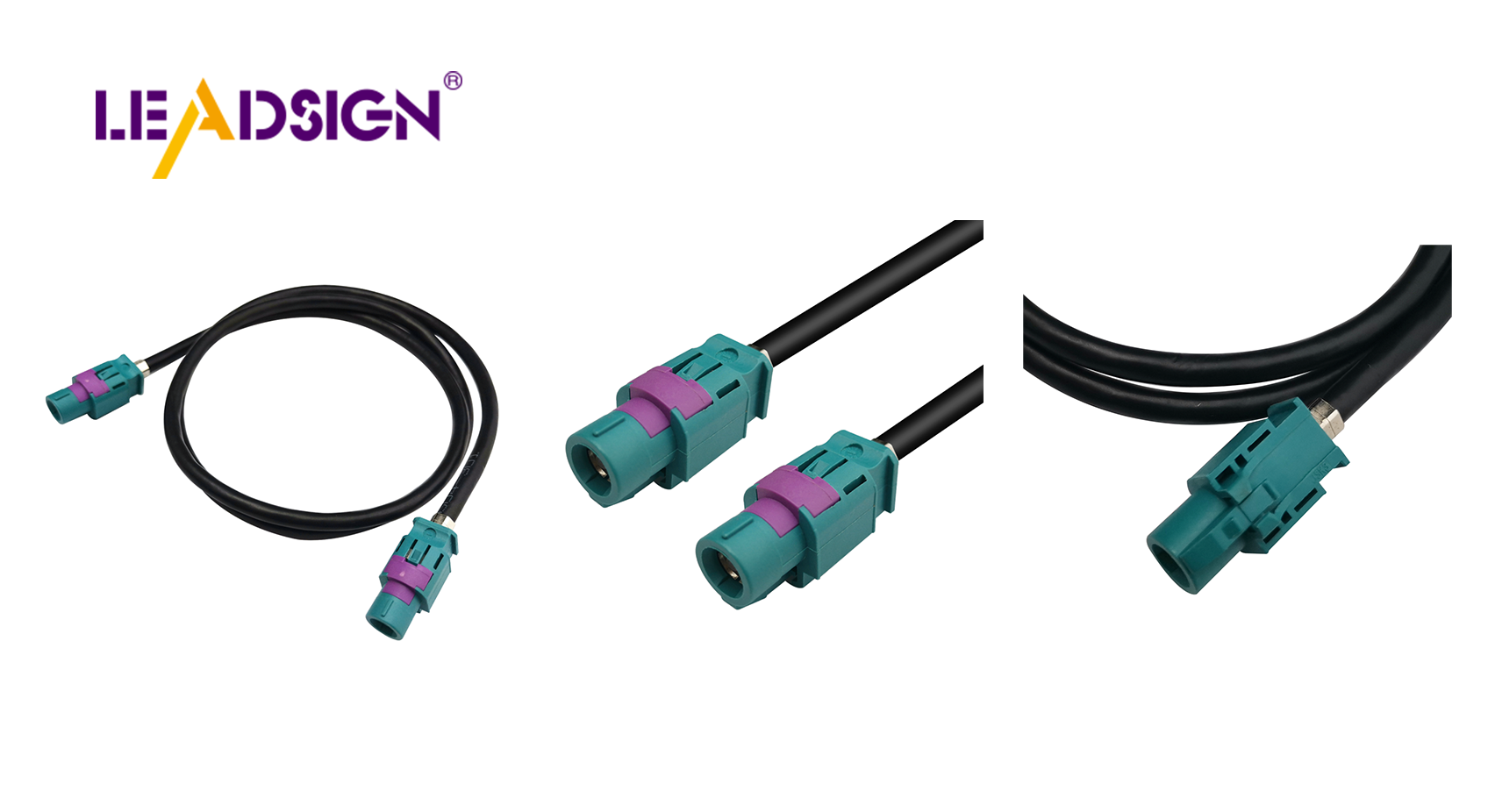
1. Common Types of Vehicle Connectors – Quick Identification
Connector family | Description | Typical application | Sealed? | Data capable? |
|---|---|---|---|---|
Crimp (butt, ring, bullet) | Mechanical crimp, gas‑tight | Wire repair, power, ground | Optional (heat‑shrink) | ❌ |
Heat‑shrink | Adhesive‑lined tubing, seals when heated | Underbody, exterior splices | Yes | ❌ |
Weather Pack | Sealed, silicone grommets | Engine bay sensors, exterior lights | Yes (IP67) | ❌ |
Deutsch (DT, DTM) | Rugged, secondary lock, IP68 | Heavy‑duty, off‑road, trucks | Yes | ❌ |
Molex MX150 | Sealed, compact | Body electronics, lighting | Yes | ❌ |
FAKRA (coaxial) | Colour‑coded, 50Ω, secondary lock | GPS, backup camera, 5G | IP67 optional | ✅ |
HSD (differential) | 4‑pin locking, 100Ω | USB‑C, Ethernet | Optional | ✅ |
Key insight: Traditional crimp, heat‑shrink, Weather Pack, Deutsch, and Molex are for power and low‑frequency signals. FAKRA and HSD are for high‑speed data.
2. Recognising Signs of Wear and Damage
Symptom | Likely cause | What to look for |
|---|---|---|
Corrosion (green/white powder) | Water ingress, unsealed connector | Discolouration on terminals |
Loose connection | Worn lock, no secondary lock | Connector wiggles; no click |
Cracked or melted housing | Overheating, high resistance, physical damage | Burnt smell, deformed plastic |
Bent or pushed‑back pin | Forced mismating | Misaligned or missing pin |
Intermittent signal (flickering) | Fretting corrosion, loose terminal | Signal drops when wiggled |
Pro tip: During inspection, wiggle the connector while the circuit is powered. If the device (light, camera, sensor) flickers, the connector is faulty.
3. Tools for Identifying and Diagnosing Connectors
Tool | Purpose |
|---|---|
Multimeter (continuity, voltage drop) | Tests electrical integrity |
Magnifying glass / bright light | Visual inspection of small pins |
Connector identification guide (online or printed) | Matches shape, colour, pin count to part number |
Depinning tool | Removes terminals without damage |
Using a multimeter to test continuity:
Set to continuity (beep) mode.
Place probes on both ends of the same wire.
Beep = good; no beep = open circuit (broken wire or connector).
Voltage drop test (power circuits):
Probe before and after the connector while circuit is loaded.
Acceptable drop: <0.2V. Higher indicates resistance (corrosion or loose terminal).
4. Step‑by‑Step Replacement Procedure
✅ Preparation
Disconnect battery (negative first).
Gather tools: multimeter, wire strippers, ratcheting crimper, heat gun, replacement connector.
For data connectors (FAKRA, HSD): order pre‑terminated LEADSIGN cable – no field crimping.
✅ Remove the Old Connector
Release any secondary lock or latch.
Use depinning tool to remove terminals (if reusing housing) or cut wires close to the connector.
Do not pull by wires – you may damage the harness.
✅ Prepare Wire Ends
Strip 5‑8 mm of insulation – do not nick copper strands.
If corrosion is visible, cut back to clean copper.
✅ Install the New Connector
For power circuits | For data circuits (FAKRA/HSD) |
|---|---|
Choose correct terminal (red=22‑18 AWG, blue=16‑14, yellow=12‑10). | Use pre‑terminated LEADSIGN cable. |
Crimp terminal with ratcheting crimper; pull test (5‑10 lbs). | Plug cable into device and harness – no crimping. |
Insert terminal into housing until click; engage secondary lock. | Secure with secondary lock (if present). |
If sealed, apply dielectric grease to rubber seal. | – |
✅ Test the New Connection
Reconnect battery (positive first, then negative).
Use multimeter for continuity and voltage drop.
Operate the device (light, camera, sensor) – confirm function.
5. Common Mistakes and How to Avoid
Mistake | Consequence | Prevention |
|---|---|---|
Using wrong connector type (power connector for data) | No signal (camera, GPS) | Use FAKRA for video/GPS; HSD for USB/Ethernet |
Field‑crimping FAKRA/HSD | Impedance mismatch, signal loss | Use pre‑terminated LEADSIGN cables |
No secondary lock in high‑vibration area | Connector separates | Always engage CPA / secondary lock |
Skipping pull test | Wire pulls out, intermittent failure | Perform pull test on every crimp |
Using unsealed connector underbody | Corrosion within months | Use IP67 sealed connectors |
6. 2026 Trends – What’s Changing in Connector Replacement
Trend | Implication |
|---|---|
4K cameras and 5G telematics | Mini FAKRA (20 GHz) required – standard FAKRA’s 6 GHz may be insufficient for long runs. |
EV / hybrid | High‑voltage (orange) connectors – do not touch. Low‑voltage data lines need extra shielding. |
Pre‑terminated cables | Shops use LEADSIGN plug‑and‑play FAKRA/HSD cables – no field termination errors. |
Modular harness design | Colour‑coded connectors with labels reduce identification time. |
7. Why LEADSIGN – Simplify Data Connector Replacement
For power connectors, field repair (crimp, solder) is acceptable. For high‑speed data (GPS, camera, USB‑C, Ethernet), field termination is error‑prone. LEADSIGN provides pre‑terminated, colour‑coded FAKRA and HSD cables.
What LEADSIGN offers:
✅ FAKRA (standard & Mini) – all 14 colours, 50Ω, up to 20 GHz, IP67 optional
✅ HSD (USB‑C, Ethernet, LVDS) – 100Ω, locking, up to 5 Gbps
✅ Pre‑terminated cables – any length 0.3m – 20m, no field crimping
✅ Low‑loss, double‑shielded coax – for long runs and EV environments
✅ Bulk pricing – for shops, fleets, and distributors
For your business: When a GPS antenna or backup camera fails, replace the entire LEADSIGN pre‑terminated cable – faster, more reliable, and no callback.
Final Recommendations – Replacement Checklist
Step | Action |
|---|---|
1 | Disconnect battery (negative first). |
2 | Identify connector type (colour, shape, pin count). |
3 | Test with multimeter (continuity, voltage drop). |
4 | Remove old connector without damaging harness. |
5 | Prepare wire ends (strip 5‑8 mm, no nicks). |
6 | For power: crimp new terminals; pull test. For data: use LEADSIGN pre‑terminated cable. |
7 | Insert terminals into new housing; engage secondary lock. |
8 | Seal with heat‑shrink (if exterior). |
9 | Test continuity, voltage drop, and device function. |
10 | Secure harness with zip ties (strain relief). |
Remember: A correctly identified and properly replaced connector ensures years of trouble‑free operation. For data lines, never field‑crimp – use pre‑terminated LEADSIGN cables.
Ready to simplify your data connector replacements with pre‑terminated solutions?
[Request a free LEADSIGN FAKRA/HSD sample kit] | [Get bulk pricing]
See Also
Improving Automotive Data Flow With Innovative Connectors And Cables
Boosting Performance Using HFM Connectors In Vehicles
Elevating Data Transfer: Significance Of High-Speed Auto Connectors
Why Fakra Connectors Matter For Honda Cars
Significance Of Fakra Connectors In Today's Automotive Technology
