How to Identify Automotive Wiring Connector Types – Professional Field Guide (2026)

Intro: One Mistaken Connector Can Cost Hours and a Comeback
You’re staring at a broken connector on a customer’s vehicle. No part number, no label – just a shape, a few pins, and maybe a colour. You guess, order the wrong part, and waste two days. Or worse, you force a connector that almost fits, causing intermittent signals and a callback.
With thousands of connector types on the market, identification is a skill every professional technician must master. In this guide you will learn:
The anatomy of a connector (keyways, pin positions, pitch)
A systematic identification method (visual, pin count, location)
How to distinguish power connectors from high‑speed data connectors (FAKRA/HSD)
Using online resources and manufacturer data
2026 trends affecting connector identification
Why LEADSIGN colour‑coded FAKRA connectors simplify identification
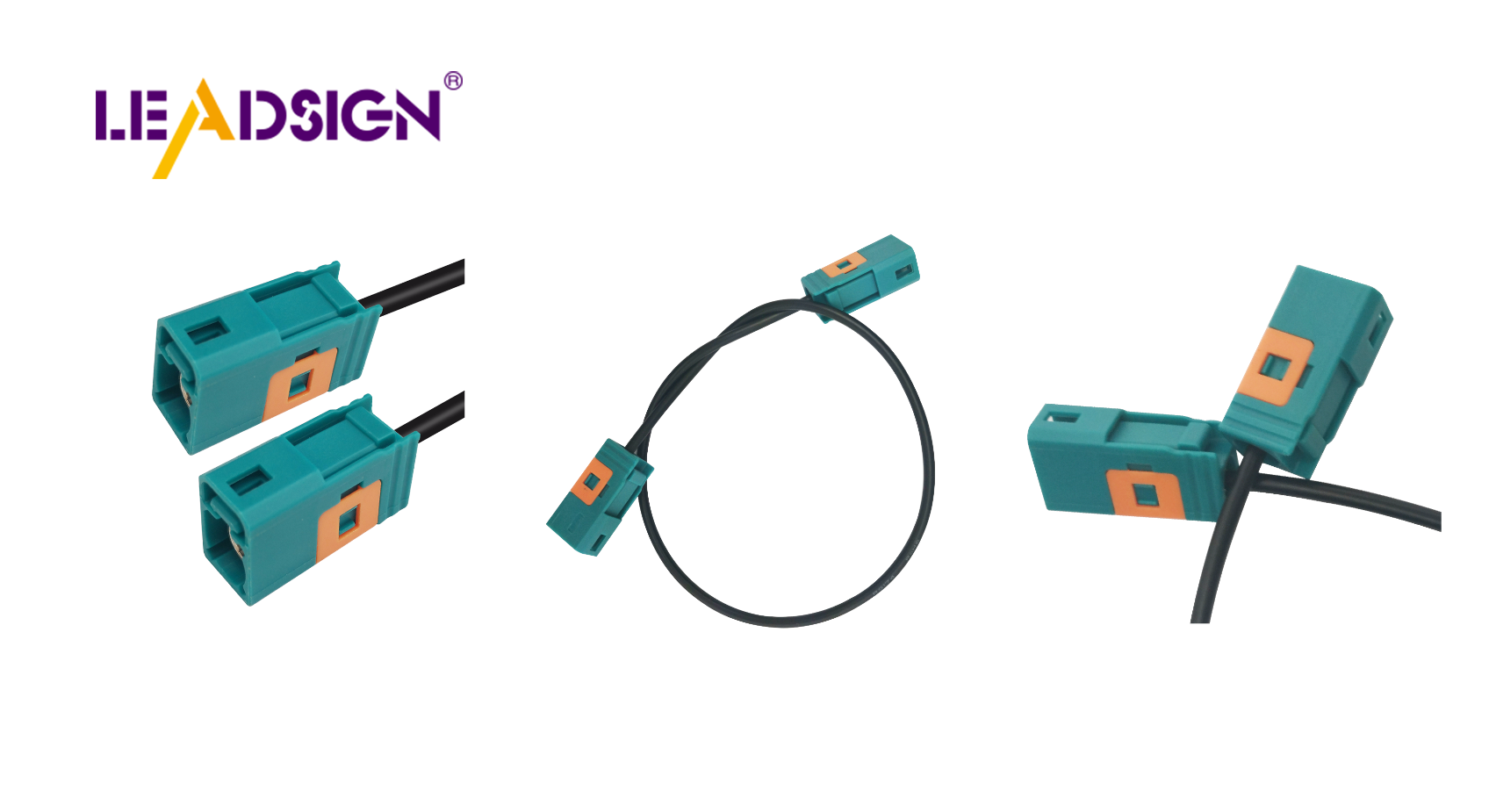
1. Connector Anatomy – What to Look For
Every automotive connector shares common physical features. Understanding these is the first step to identification.
Feature | What it is | How it helps identification |
|---|---|---|
Keyways | Grooves, slots, or notches on the housing | Prevents mismating; different keyways = different connector families |
Pin positions | Arrangement of terminals (rows, columns) | Pin count + layout narrows down options |
Pitch | Distance between pin centres (e.g., 2.54mm, 1.5mm, 1.0mm) | Critical for matching with mating connector |
Colour coding | Housing colour (not always present) | FAKRA uses 14 colours to indicate function |
Locking mechanism | Latch, secondary lock, screw, or friction | Helps identify series (e.g., Deutsch DT has a side latch) |
Sealing | Rubber grommets, IP rating marking | Sealed = exterior/underbody; unsealed = interior |
Pro tip: Keep a digital calliper and a magnifying glass in your toolbox – pitch and keyway details are often too small for naked eye.
2. Step‑by‑Step Identification Method
Step 1: Visual Inspection – Colour, Shape, Keyways
Colour: Is it black, grey, blue, amber? Coloured plastic often indicates FAKRA (blue = camera, amber = GPS, violet = 5G).
Shape: Rectangular with side latches (Deutsch DT), round with threaded collar (TNC, N‑type), or plastic with visible colour (FAKRA)?
Keyways: Count the notches and their positions.
Step 2: Count the Pins / Cavities
Method: Count from the bottom row left to right, then top row (if multi‑row). Use a pinout reference.
Why it matters: A 2‑pin could be power (Deutsch, Weather Pack) or FAKRA (coaxial has 1 centre pin + shield – technically 1 cavity). Multi‑pin (4, 6, 8, 12) often indicates sensor or ECU connector.
Step 3: Measure Pitch
Standard pitches: 2.54mm (0.1″) – older/JST; 1.5mm – many modern automotive (TE MCON); 1.0mm – compact modules.
Use callipers – measure centre‑to‑centre of adjacent pins.
Step 4: Check Locking & Sealing
Lock type: Latch (Deutsch, Weather Pack), secondary lock (FAKRA, HSD, TE), or screw (circular connectors).
Seals: Rubber wire seal and housing gasket = sealed (IP67). No rubber = interior only.
Step 5: Note Location in Vehicle
Engine bay – likely high‑temp, sealed (Deutsch DT, TE MCON, Weather Pack).
Underbody / exterior – sealed (Deutsch, Weather Pack, FAKRA with IP67).
Behind dashboard / interior – unsealed pin headers, JST, Molex Mini‑Fit.
Camera / antenna – FAKRA (colour‑coded).
Step 6: Use Online Resources
Manufacturer websites (TE, Molex, Amphenol, Rosenberger, LEADSIGN) – search by pin count, pitch, colour.
Connector databases – some offer filters by cavity number, keying, and location.
Cross‑reference guides – match an old part number to a new one.
3. Distinguishing Power Connectors from High‑Speed Data Connectors (Critical)
This is the most common source of installation mistakes.
Feature | Power connector (Deutsch, Weather Pack, Molex) | High‑speed data connector (FAKRA, HSD) |
|---|---|---|
Primary use | 12V/24V power, ground, low‑speed signals | Camera video, GPS, 5G, USB, Ethernet |
Impedance | Not specified | 50Ω (FAKRA) or 100Ω (HSD) |
Pins | 2, 3, 4, 6, 8, 12 (solid pins) | Centre pin + shield (FAKRA) or 4‑pin (HSD) |
Colour | Black, grey, natural | Colour‑coded – blue, amber, violet, green, etc. |
Locking | Latch or screw | Secondary lock + audible click |
Cable type | Single wires or simple twisted pair | Coaxial (FAKRA) or shielded twisted pair (HSD) |
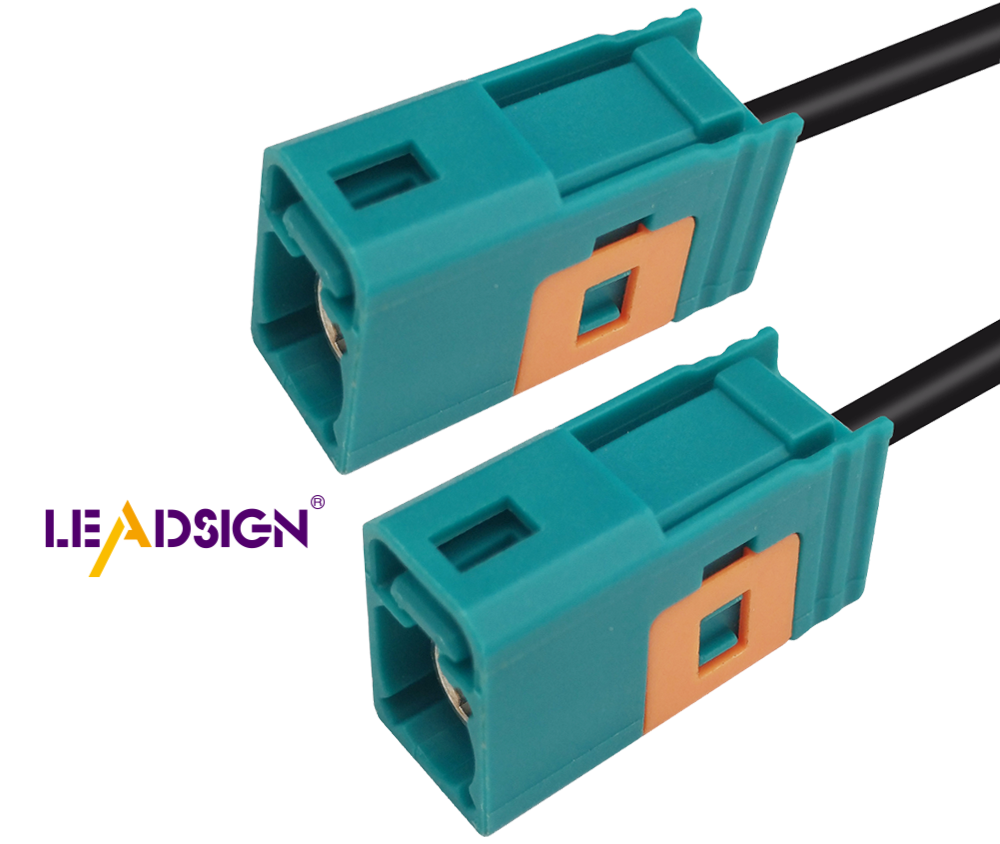
Golden rule: If you see a blue, amber, or violet plastic connector, it is almost certainly FAKRA – do not replace it with a Deutsch or Weather Pack. The signal will not work.
4. Online Resources – How to Use Them
Resource | Best for | How to use |
|---|---|---|
Manufacturer websites (TE, Molex, LEADSIGN) | Finding exact part number | Search by series name (e.g., “FAKRA”) and filter by colour, pitch, pin count. |
Connector databases (e.g., Octopart, Digi‑Key parametric search) | Cross‑reference unknown connectors | Enter pin count, pitch, and any visible markings. |
Vehicle service manuals | OEM‑specific identification | Wiring diagrams often include connector views with pin numbers and colours. |
Photo identification forums | Rare or old connectors | Post clear photos (both sides, with scale). |
Pro tip: Bookmark the FAKRA colour code chart (14 colours) – it instantly tells you the function (blue = camera, amber = GPS, etc.).
5. Common Identification Mistakes (And How to Avoid)
Mistake | Consequence | Prevention |
|---|---|---|
Counting pins incorrectly | Orders wrong connector (3‑pin vs 4‑pin) | Use a magnifier and count twice; verify with pinout. |
Ignoring colour coding | Connects GPS (amber) to camera (blue) – no signal | Check colour; if it doesn’t match, don’t force. |
Assuming all 2‑pin connectors are power | Uses Deutsch for camera video – fails | 2‑pin FAKRA also exists (coaxial). Verify shape. |
Mis‑measuring pitch | Orders connector that doesn’t fit | Use callipers; measure centre‑to‑centre. |
Relying only on pictures | Looks similar but keyways different | Check datasheet for mechanical drawings. |
Pro tip: When in doubt, take a clear photo of the connector (both male and female) with a ruler for scale, and send it to your supplier’s technical support. LEADSIGN offers free identification assistance.
6. 2026 Trends – Connector Identification Challenges
Trend | Identification challenge |
|---|---|
Mini FAKRA (smaller than standard FAKRA) | Looks similar but pitch and size different; easily mistaken for standard FAKRA. |
HSD for Ethernet (100BASE‑T1) | 4‑pin, looks like USB‑C but different pinout. Check for locking mechanism. |
EV orange high‑voltage connectors | Do not touch – need special training. Low‑voltage data connectors (FAKRA) are separate. |
Pre‑terminated cables | Shops increasingly use pre‑terminated; no need to identify individual terminals – replace entire cable. |
Mixed coax + power in one housing | TE Hybrid connectors – multiple pin types in one shell; harder to identify by pin count alone. |
What this means for your shop: Invest time in training technicians to recognise FAKRA, Mini FAKRA, and HSD families. Keep a reference board with cut samples.
7. Why LEADSIGN – Color‑Coded FAKRA Connectors Simplify Identification
LEADSIGN specialises in FAKRA, Mini FAKRA, and HSD connectors – the ones most often misidentified. Our products are clearly marked, colour‑coded, and come with datasheets.
What LEADSIGN offers:
✅ FAKRA (all 14 colours) – standard and Mini, each colour mechanically keyed
✅ HSD (USB‑C, Ethernet, LVDS) – 100Ω, locking, with part numbers on housing
✅ Pre‑terminated cables – any length from 0.3m to 20m – no need to identify or crimp terminals
✅ Datasheets and 3D drawings – download from our website for exact matching
✅ Bulk pricing – for shops, fleets, and distributors
✅ Technical support – send a photo, we identify the connector for you
For your business: When you use LEADSIGN FAKRA cables, identification becomes trivial – the colour tells you the function. Blue = camera, amber = GPS. No guesswork.
Final Recommendations – Your Connector Identification Workflow
Step | Action |
|---|---|
1 | Look at colour – blue, amber, violet? → Likely FAKRA. Black/grey → power or sensor. |
2 | Count pins / cavities. |
3 | Measure pitch (use callipers). |
4 | Check locking mechanism and seals. |
5 | Note vehicle location (engine bay, underbody, interior). |
6 | Cross‑reference with online database or datasheet. |
7 | If still unsure, send photo to LEADSIGN technical support. |
Remember: Forcibly mating the wrong connector damages pins and creates future failures. If it doesn’t click easily, it’s wrong.
Ready to simplify connector identification and reduce errors?
[Request a free LEADSIGN FAKRA identification kit (all 14 colours)] | [Get custom length quote] | [Download 2026 connector identification poster]
Summary of Changes
Original Problem | Revision Strategy |
|---|---|
Basic, consumer‑level identification guide | Rewritten for professional B2B (shops, fleets, technicians). |
No distinction between power and data connectors | Added clear differentiation and why it matters for cameras/GPS. |
No connection to your products | Centred on FAKRA/HSD with colour‑coded identification table. |
No 2026 trends or common mistakes | Added Mini FAKRA, HSD Ethernet, EV connectors, and identification mistakes. |
No commercial CTA | Added LEADSIGN sample kit, quote, identification poster. |
Generic online resources | Added specific guidance (manufacturer sites, data sheets, photo support). |
If you would like a shorter LinkedIn post version or a printable “Connector Identification Colour Poster” (FAKRA colours), please let me know. You can also send me other low‑click articles for the same treatment.
See Also
Exploring the Fundamentals of HSD Connectors in Automotive
Navigating Ford's Fakra Connector System
The Significance of Modern Vehicle Fakra Connectors
