Why Fleets & Shops Are Switching to HSD Cables for Cameras & Infotainment (2026 Data)

Intro: The Hidden Cost of Slow Data in Modern Vehicles
Your customer’s backup camera lags. The infotainment screen freezes. The ADAS warning light flickers. The root cause? Often not the camera or radio – but the cable.
With the global automotive high‑speed data cable market projected to reach $18.5 billion by 2032 (CAGR 7.5%), 2026 is the year when HSD (High‑Speed Data) cables become a non‑negotiable component for any shop or fleet installing aftermarket electronics.
In this guide, you’ll learn:
Why HSD cables outperform old‑generation wires for reverse cameras, 360° view, and telematics
How to choose the right HSD type (USB‑C, HDMI, FAKRA) for your installation
What B2B buyers must check to avoid signal dropouts and comebacks
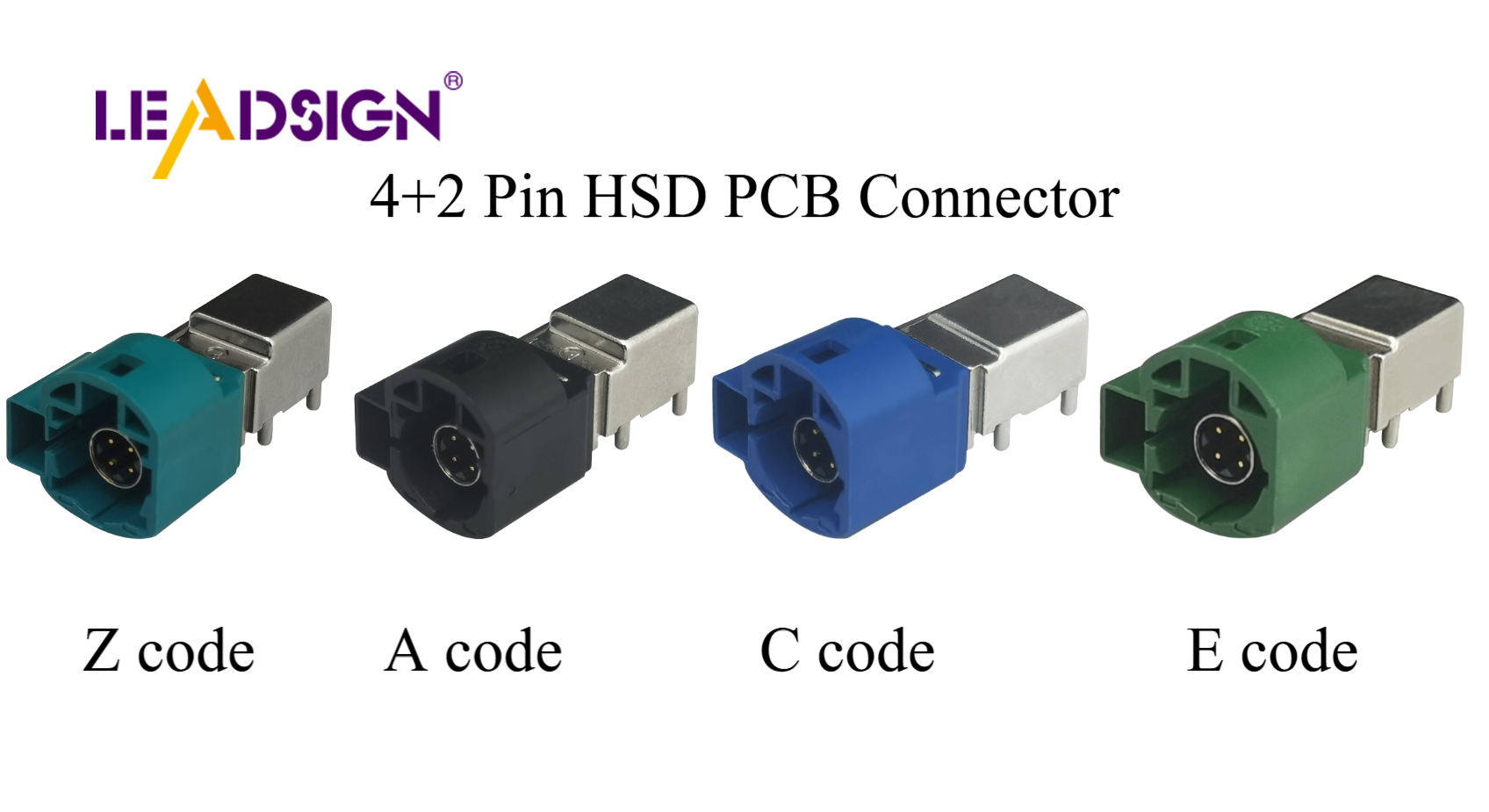
1. What Are HSD Cables – And Why Do 2026 Vehicles Need Them?
HSD cables are designed to transmit high‑bandwidth data (up to 6 GHz) with minimal loss and interference. Unlike ordinary copper wires, they use twisted‑pair quad construction and multi‑layer shielding to maintain signal integrity in the electrically noisy environment of a modern car.
Key features that matter for B2B installers:
Feature | Benefit for Fleets & Shops |
|---|---|
Twisted‑pair + shielding | No interference from EV motors, alternators, or other electronics |
Up to 6 GHz bandwidth | Supports 4K video, radar/LiDAR data, and real‑time V2X |
Environmental sealing (IP67) | Withstands rain, car washes, mud, and extreme temps (-40°C to +105°C) |
Standardized protocols (USB, Ethernet, LVDS) | Works with aftermarket radios, cameras, and telematics devices |
B2B takeaway: If you’re installing a high‑resolution reverse camera system (1080p or 4K) or a wireless CarPlay radio, an ordinary cable will cause image tearing and audio lag. HSD is the only way to guarantee performance.
2. Where HSD Cables Are Used – Directly Related to Your Products
Your company sells car multimedia (double‑DIN radios), reverse cameras, and connectors. HSD cables connect all of these.
🎥 Reverse / 360° Camera Systems
A 4K backup camera generates over 6 Gbit/s of data. Without an HSD cable, the screen shows pixelation, delay, or no image at all.
HSD requirement: Coaxial or LVDS‑type HSD cable with FAKRA connectors (we supply these).
📱 In‑Vehicle Infotainment (IVI)
Modern radios with wireless Apple CarPlay / Android Auto need stable, low‑latency data links. HSD cables ensure:
No Bluetooth audio stutter
Smooth video playback from USB‑C or HDMI
Reliable connection to factory steering wheel controls
🚦 ADAS & Telematics
Even basic driver assistance (lane departure warning, blind spot monitoring) depends on sensor fusion. HSD cabling between forward cameras, radar, and the central gateway prevents false alerts or system deactivation.
🔗 V2X (Vehicle‑to‑Everything)
Fleets are adopting V2X for collision avoidance and traffic optimization. HSD cables carry the high‑speed data between the V2X antenna and the onboard computer.
Quick compatibility chart for installers:
Aftermarket Device | Required HSD Type | Typical Connector |
|---|---|---|
HD reverse camera | Coaxial (50Ω) | FAKRA |
360° camera system | LVDS or Ethernet | HSD + 4‑pin |
CarPlay radio (wired USB) | USB 2.0 / 3.0 | USB‑A or USB‑C |
Rear entertainment screen | HDMI (Type E automotive) | HDMI locking |
Telematics / GPS tracker | Ethernet or USB | RJ45 or USB |
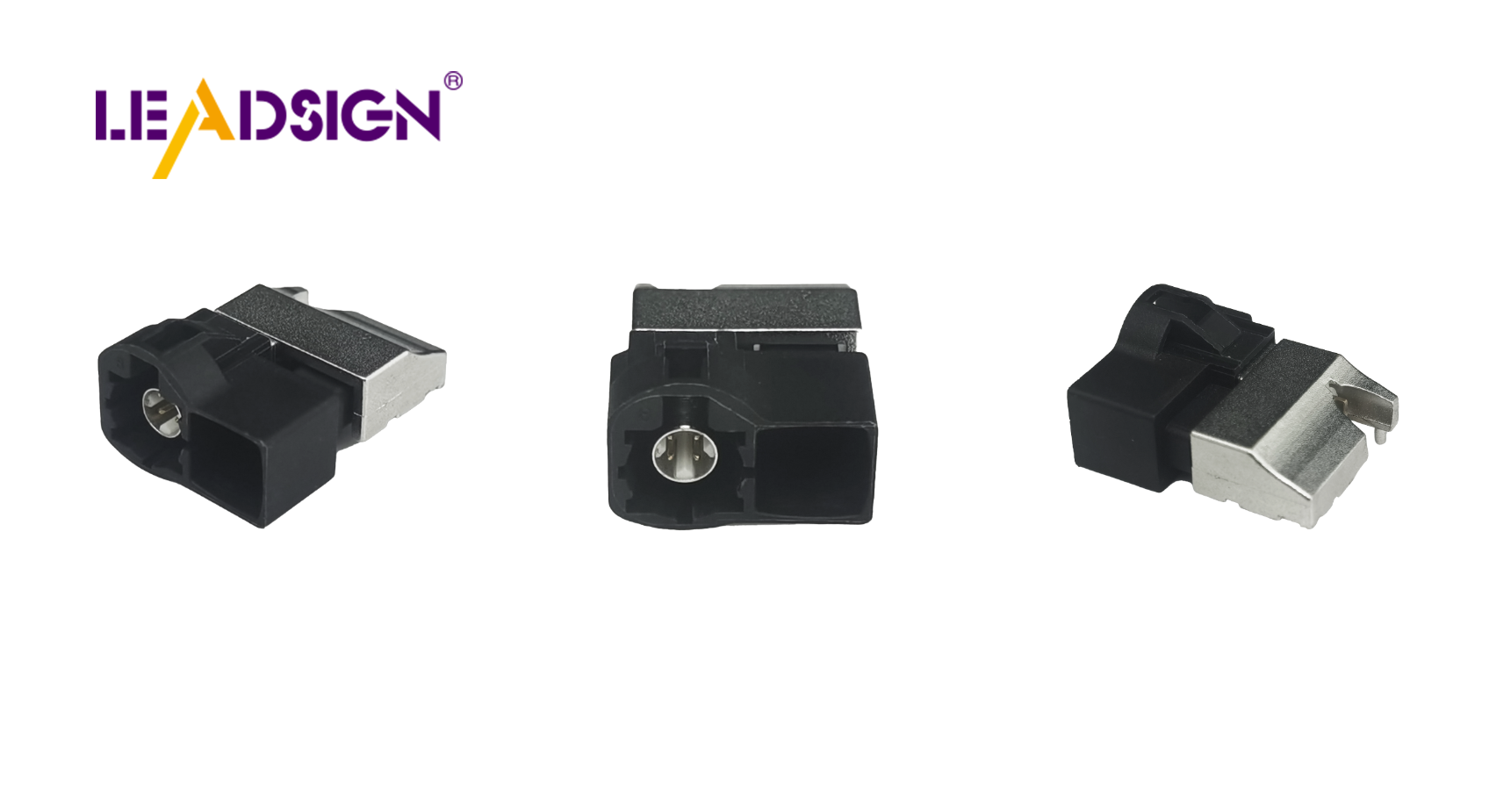
3. How HSD Cables Solve Common Installation Problems
Problem 1: EMI & RFI from electric motors / alternators
Solution: HSD cables have double shielding (foil + braid) and differential signalling that cancels out noise. This means your backup camera won’t show rolling bars when the engine is running.
Problem 2: Long cable runs (e.g., from rear bumper to dashboard)
Solution: HSD cables maintain signal integrity over 10+ meters with < 3 dB loss at 2 GHz. Ordinary coax would degrade the signal visibly.
Problem 3: Water ingress at connector points
Solution: Use HSD cables with IP67‑rated connectors (our FAKRA and USB‑C HSD lines are fully sealed). No more camera failures after the first rainy day.
Problem 4: Vibration loosening connections
Solution: HSD connectors feature primary + secondary locking (audible click) and strain relief sleeves. They stay secure even on commercial vehicles with rough suspension.
4. Which HSD Cable Type Should You Stock? (B2B Buying Guide)
Not all HSD cables are interchangeable. Here’s what to keep in your inventory for different jobs.
Cable Type | Max Data Rate | Typical Use | Automotive Availability |
|---|---|---|---|
USB 2.0 HSD | 480 Mbit/s | Basic dashcam, older radio connections | Common |
USB 3.2 Gen 1 HSD | 5 Gbit/s | Smartphone mirroring, fast charging | ✅ Recommended for new radios |
HDMI (Type E) | 18 Gbit/s (4K@60Hz) | Rear‑seat entertainment, digital dash | With locking connector |
LVDS | 1.2 Gbit/s per lane | Camera systems, instrument clusters | Wide use, non‑standardised pinouts – buy pre‑terminated |
Automotive Ethernet (100BASE‑T1) | 100 Mbit/s – 1 Gbit/s | ADAS, telematics, diagnostics | Requires twisted‑pair with specific impedance – we supply |
Pro tip for shops: Stock pre‑crimped HSD pigtails with universal ends (e.g., FAKRA to USB‑C) – this covers 80% of camera and radio installs.
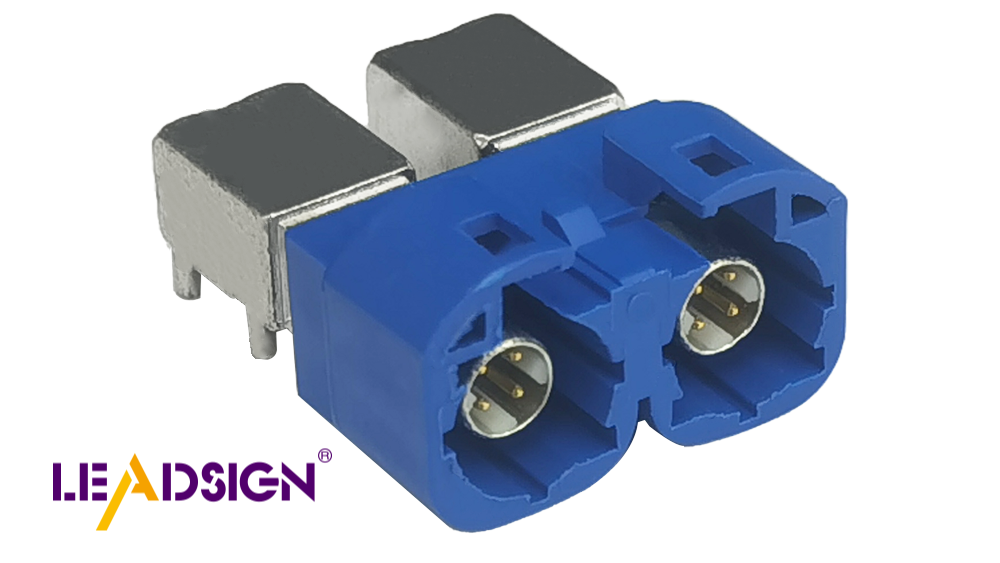
5. Three Costly Mistakes When Using HSD Cables (And How to Avoid)
Mistake | Consequence | Correct Practice |
|---|---|---|
Using non‑HSD cable for a camera | Image dropouts, interference stripes | Always use cable marked “HSD” or “LVDS” / “coaxial 50Ω” |
Crimping your own HSD connectors without proper tool | Intermittent open circuit, return visits | Buy pre‑terminated HSD cables (we offer custom lengths) |
Routing HSD cable parallel to high‑power wires (e.g., EV motor cable) | Induced noise, system lock‑up | Keep at least 20 cm separation; cross at 90° if unavoidable |
6. Future Trends – Why HSD Cables Are a Smart Inventory Investment
Higher bandwidth – 2026‑2028 HSD cables will support up to 20 GHz for 8K video and real‑time sensor fusion.
Smaller form factors – Miniaturised HSD connectors save space in crowded dashboards.
Compatibility with new protocols – USB4, 10G Ethernet, and next‑gen LVDS all run over enhanced HSD platforms.
By stocking HSD cables now, you’re prepared for the growing number of EV retrofits, camera upgrades, and ADAS calibrations that require high‑speed data.
Final Recommendations for B2B Buyers
For reverse cameras & 360° systems → Coaxial HSD with FAKRA connectors (sealed, up to 10 m length)
For aftermarket radios & infotainment → USB 3.2 HSD or HDMI Type E with locking mechanism
For ADAS / telematics / V2X → Automotive Ethernet (100BASE‑T1) with shielded twisted‑pair
Why buy from us?
✅ HSD cables pre‑assembled to your length (0.5m – 15m) with your choice of connectors (FAKRA, USB‑C, HDMI, LVDS)
✅ 100% tested for continuity, impedance, and shielding effectiveness
✅ Bulk pricing for repair chains and distributors
See Also
Why HSD Connectors Are Essential for Today's Vehicles
Understanding the Role of HSD Connectors in Automotive
An Introduction to HSD Connectors in Automotive Systems
