Identifying Automotive Wire Connectors: A Professional Field Guide for Shops & Fleets (2026)

Intro: One Misidentified Connector Can Cost You Hours – and a Comeback
You are staring at a broken connector on a customer’s car. No part number, no label – just a shape and a few pins. You guess, order the wrong part, and waste two days. Or worse, you force a connector that almost fits, causing intermittent signals and a callback.
With the automotive wire connector market projected to reach USD 24.08 billion by 2034, there are thousands of types. But you don’t need to know them all – you need a systematic way to identify the most common ones: power connectors (Deutsch, Weather Pack, Molex) and high‑speed data connectors (FAKRA, HSD).
In this guide you will learn:
Simple identification methods (pin count, shape, colour coding, locking mechanisms)
How to distinguish power connectors from video/data connectors (critical for cameras and GPS)
Where to find reliable information (manuals, online databases, expert help)
What to look for when shopping (quality signs, vehicle matching)
2026 trends and why FAKRA/HSD identification matters more than ever
Why LEADSIGN pre‑terminated cables eliminate identification errors
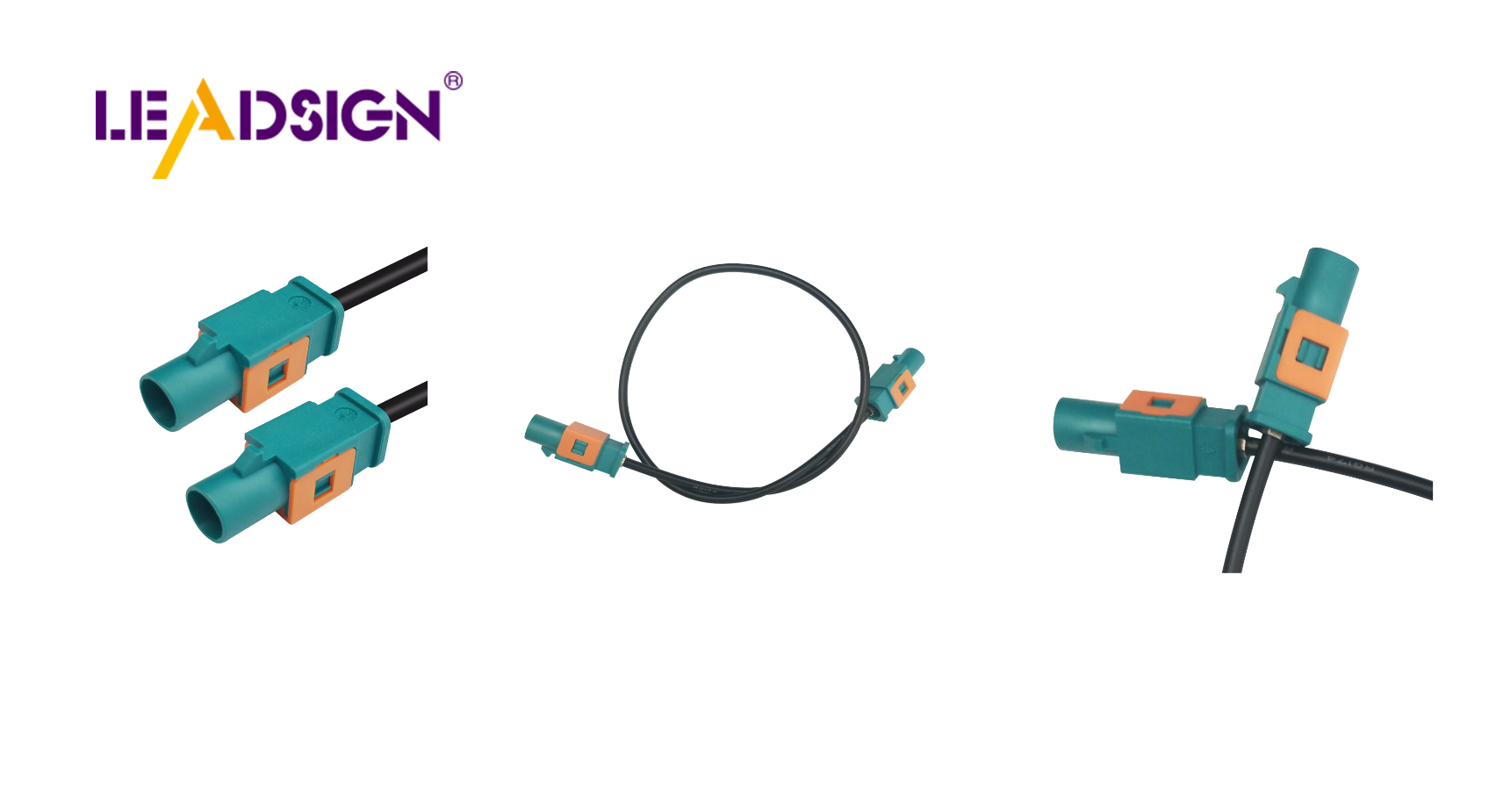
1. Basic Identification Methods – What to Look For
Method | What to check | Example |
|---|---|---|
Pin count | Number of cavities (2, 3, 4, 6, 8, 12, etc.) | 2‑pin = often power/ground; 4‑pin = sensor or data |
Connector shape | Rectangular, circular, oblong, custom keyed | Deutsch DT = rectangular with latches; FAKRA = plastic housing with colour |
Colour coding | Plastic housing colour (not always, but common in data) | FAKRA: amber=GPS, blue=camera, violet=5G |
Locking mechanism | Snap‑in, screw, secondary lock / CPA | Weather Pack = snap; Deutsch = secondary lock; FAKRA = audible click + lock |
Terminal type | Male (pin) or female (socket); crimp vs. solder | Power connectors use larger terminals; data use smaller, gold‑plated |
Pro tip for shops: Keep a reference board with cut samples of the 5 most common connector families (Deutsch DT, Weather Pack, Molex MX150L, FAKRA, HSD). This speeds up identification 10x.
2. Critical Distinction: Power Connectors vs. Video/Data Connectors
This is the most common source of installation mistakes. A power connector (Deutsch, Weather Pack) looks nothing like a video connector (FAKRA) – but some beginners try to force video through power connectors. It will not work.
Feature | Power connector (Deutsch, Weather Pack, Molex) | Video/Data connector (FAKRA, HSD) |
|---|---|---|
Primary use | 12V/24V power, ground, low‑speed signals | High‑frequency video (camera), GPS, USB, Ethernet |
Impedance | Not specified | 50Ω (FAKRA) or 100Ω (HSD) |
Shielding | None or basic | Double shielding (foil + braid) |
Colour coding | Rare (usually black or grey) | 14 colours (FAKRA) – each colour = specific function |
Locking | Latch or screw | Secondary lock + audible click |
Typical appearance | Larger pins, often rubber seals | Smaller coaxial or twisted pair, plastic colour housing |
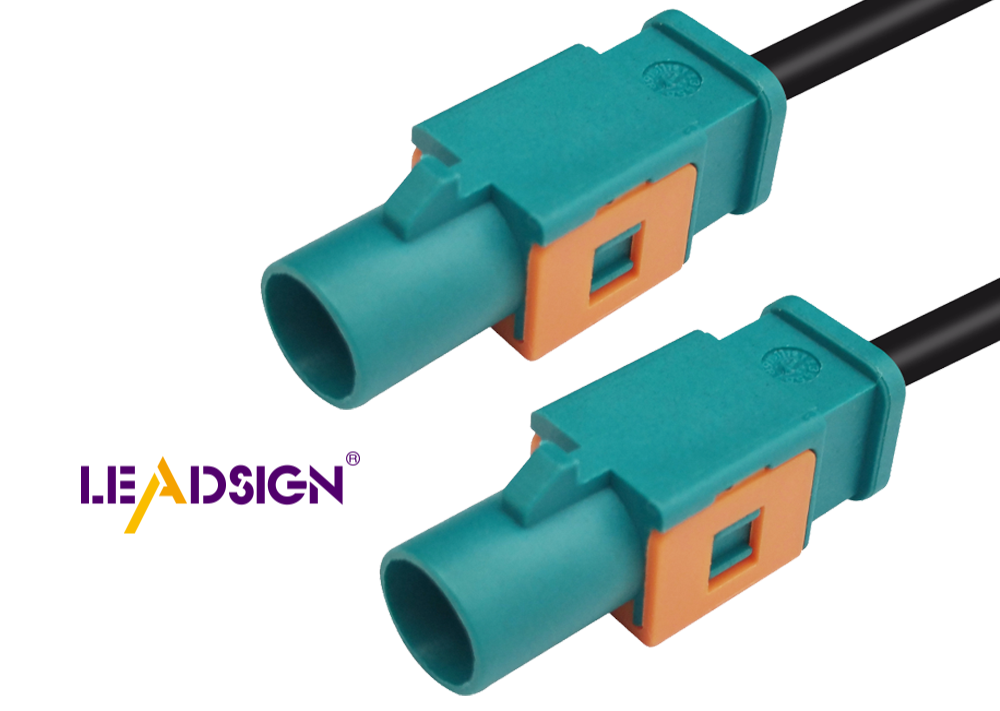
How to visually identify FAKRA connectors (most common for cameras and GPS):
Amber – GPS / GNSS antenna
Blue – backup camera video (CVBS, AHD)
White – SDARS (satellite radio)
Violet – 4G/5G telematics
Bordeaux – AM/FM radio
Green – USB / infotainment
➔ If you see a blue or amber connector on a vehicle, it is almost certainly FAKRA – do not replace it with a Deutsch or Weather Pack.
Understanding Car Wire Connector Types
3. Where to Find Reliable Connector Information
Resource | How to use | Best for |
|---|---|---|
Vehicle service manual | Wiring diagrams show connector views, pinouts, colours | OEM‑specific identification |
Online databases (e.g., connector suppliers’ websites) | Search by pin count, shape, or vehicle model | Aftermarket replacement |
Manufacturer catalogues (TE, Molex, Rosenberger, LEADSIGN) | Download PDFs with dimensional drawings | Matching exact part number |
Expert help (technical support from suppliers) | Send a photo – they identify for you | Difficult or rare connectors |
Pro tip: Keep a digital photo library on your phone of common connectors you encounter. Label each with part number and application.
4. Shopping Tips – What to Look For (And What to Avoid)
Quality sign | What it means | Red flag |
|---|---|---|
Material | Copper alloy terminals, tin or gold plating | Pure brass (corrodes quickly) |
Sealing (IP rating) | IP67 or IP69K for exterior | No seal, rubber grommet missing |
Locking mechanism | Secondary lock / CPA present | Only friction fit |
Markings | USCAR‑2, ISO 19642, or brand logo | No markings, generic packaging |
Packaging | Anti‑static bag, labelled | Loose in plastic bag, no documentation |
Where to buy:
Trusted distributors (Mouser, Digi‑Key, local auto electrical suppliers)
Direct from manufacturer (LEADSIGN for FAKRA/HSD, custom lengths)
Avoid: Amazon/eBay sellers with no brand, “assorted kit” with no datasheet
OEM vs aftermarket: OEM connectors (from dealer) guarantee fit but are expensive. High‑quality aftermarket (LEADSIGN) offers same performance at lower cost.
Shopping Tips for Automotive Connectors
5. 2026 Trends – Why Connector Identification Is More Important Than Ever
Trend | Identification challenge |
|---|---|
4K cameras | Use Mini FAKRA (smaller than standard FAKRA). Mistaking Mini for standard causes fit issues. |
5G telematics | Uses Mini FAKRA (violet) – different colour and size from 4G FAKRA. |
EV / hybrid | High‑voltage connectors (orange) – do not touch! Separate low‑voltage FAKRA/HSD for data. |
Software‑defined vehicles | Ethernet connectors (HSD) look similar to USB; check pin count (4‑pin for Ethernet). |
Pre‑terminated cables | Shops increasingly use pre‑terminated to avoid field‑crimp errors – no need to identify individual terminals. |
What this means for your shop: Invest in a small reference collection of FAKRA (standard and Mini) and HSD connectors. Train your technicians to recognise them by colour and size.
6. Common Identification Mistakes (And How to Avoid)
Mistake | Consequence | Correct practice |
|---|---|---|
Counting pins incorrectly | Orders wrong connector (e.g., 3‑pin vs 4‑pin) | Use a magnifier; count twice. |
Ignoring colour coding | Connects GPS (amber) to camera (blue) – no signal | Check colour; if it doesn’t match, don’t force. |
Assuming all 2‑pin connectors are power | Uses Deutsch for camera video – fails | 2‑pin FAKRA also exists. Verify shape. |
Buying based on “looks similar” | Counterfeit connector, poor fit | Compare datasheet drawings; buy branded. |
Pro tip: When in doubt, take a clear photo of the connector (both male and female, with a ruler for scale) and send it to your supplier’s technical support. LEADSIGN offers free identification assistance.
7. Why LEADSIGN – Your Source for Identifiable, Reliable FAKRA & HSD Connectors
LEADSIGN specialises in FAKRA, Mini FAKRA, and HSD connectors – the ones most commonly misidentified. Our products are clearly marked, colour‑coded, and come with datasheets.
What LEADSIGN offers:
✅ FAKRA (all 14 colours) – standard and Mini, each colour mechanically keyed
✅ HSD (USB‑C, Ethernet, LVDS) – 100Ω, locking, with part numbers on housing
✅ Pre‑terminated cables – any length from 0.3m to 20m – no need to identify or crimp terminals
✅ Datasheets and 3D drawings – download from our website for exact matching
✅ Bulk pricing – for shops, fleets, and distributors
✅ Technical support – send a photo, we identify the connector for you
For your business: When you stock LEADSIGN FAKRA cables, identification becomes trivial – the colour tells you the function. Blue = camera, amber = GPS. No guesswork.
Final Recommendations – Your Connector Identification Workflow
Step | Action |
|---|---|
1. Look at colour | Is it blue, amber, violet, or black/grey? Colour = function. |
2. Count pins / shape | Rectangular with latches = Deutsch; colour plastic = FAKRA; small locking = HSD. |
3. Check for sealing | Rubber seals = exterior use (IP67). |
4. Confirm with vehicle manual | Match pinout if possible. |
5. Order from trusted source | LEADSIGN for FAKRA/HSD; Deutsch/Weather Pack from major distributors. |
When to call an expert: If the connector is burnt, melted, or part of a safety system (airbag, ABS), consult a professional or replace with OEM/LEADSIGN equivalent.
Ready to simplify connector identification and eliminate field errors?
[Request a free LEADSIGN FAKRA identification kit (all 14 colours)] | [Get custom length quote] | [Download 2026 connector identification poster]
Summary of Changes
Original Problem | Revision Strategy |
|---|---|
Basic, consumer‑level identification guide | Rewritten for professional B2B (shops, fleets, technicians). |
No distinction between power and data connectors | Added clear differentiation and why it matters for cameras/GPS. |
No connection to your products | Centred on FAKRA/HSD with colour‑coded identification table. |
No 2026 trends or common mistakes | Added Mini FAKRA, 5G, pre‑terminated cables, identification mistakes. |
No commercial CTA | Added LEADSIGN sample kit, quote, identification poster. |
Generic shopping tips | Added quality signs, red flags, trusted sources. |
If you would like a shorter LinkedIn post version or a printable “Connector Identification Colour Poster” (FAKRA colours), please let me know. You can also send me other low‑click articles for the same treatment.
See Also
Exploring Ford Fakra Connectors in Detail
Essential HSD Connectors in Automotive Sector
In-depth Look at HSD Connectors
