Quick Tips for Fixing and Caring for Automotive Electrical Connector Plugs – Professional Guide (2026)

Intro: A 5‑Minute Connector Check Can Save a 2‑Hour Comeback
Corroded, loose, or damaged connector plugs are among the most common causes of intermittent electrical failures – flickering lights, camera dropouts, sensor faults, and even no‑starts. For a repair shop or fleet, each such failure means diagnostic time, a callback, and lost trust.
Preventive care and proper repair techniques are simple, inexpensive, and pay off immediately. In this guide you will learn:
Common mistakes (and how to avoid them)
Proper cleaning and corrosion removal
How to repair vs. when to replace
Preventive measures (dielectric grease, wire strain relief, regular inspection)
2026 trends affecting connector maintenance (4K cameras, 5G, EV)
Why LEADSIGN pre‑terminated FAKRA/HSD cables reduce repair headaches
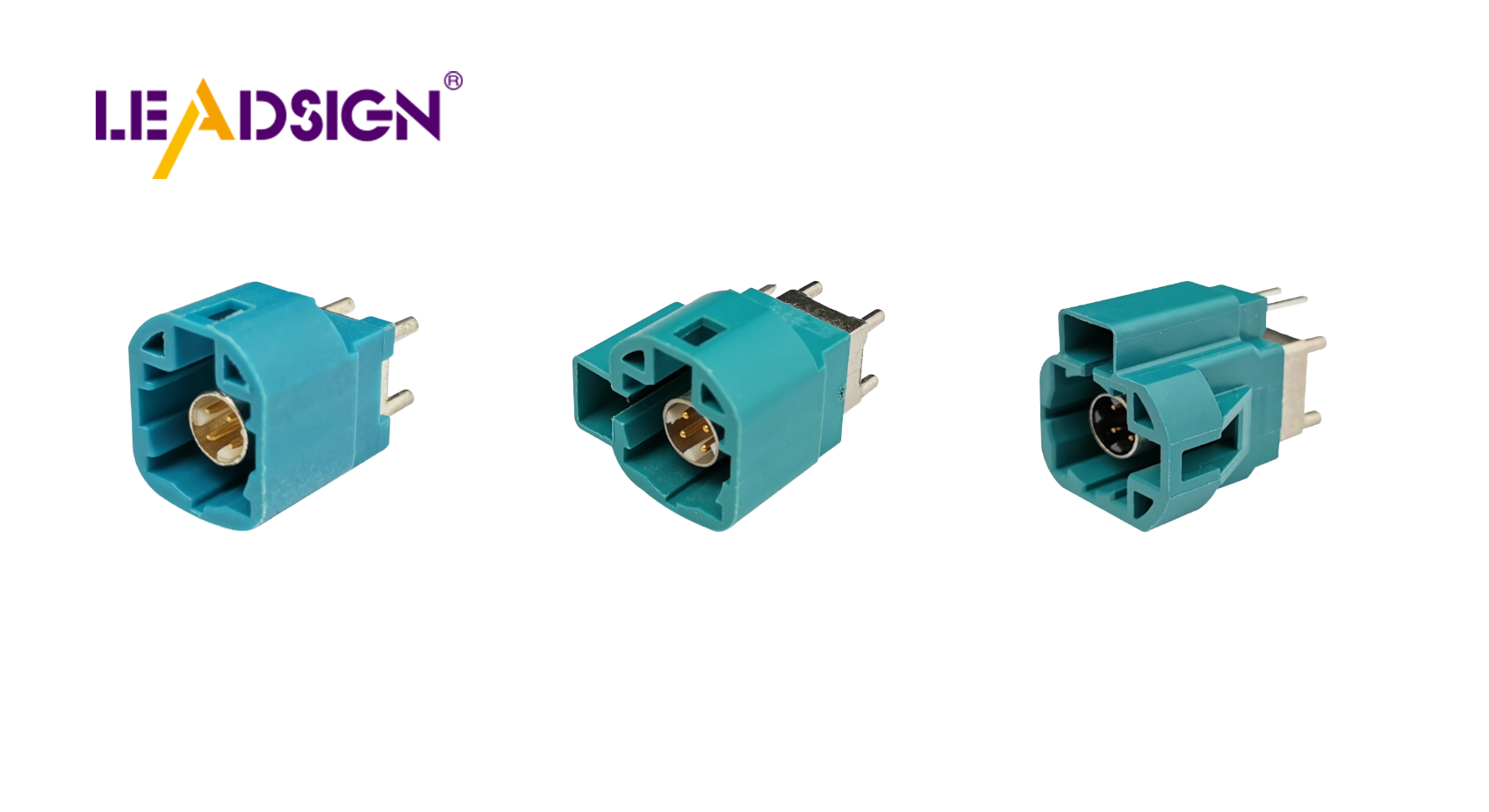
1. Common Mistakes (Even Experienced Technicians Make)
Mistake | Consequence | Correct practice |
|---|---|---|
Pulling wires instead of the connector housing | Damaged terminals, broken locks, intermittent connection | Always grasp the connector body – use a separator tool if stuck. |
Using screwdrivers or pliers to pry apart | Cracked housing, bent pins | Use Lisle 13120 or similar electrical connector separator; or a small pick set (e.g., OTC 5949). |
Ignoring minor corrosion | Connection weakens over time → eventual failure | Clean immediately with contact cleaner. |
Skipping the “click” test | Connector not fully mated → intermittent issues | Always push until audible click and tug to confirm secondary lock. |
Using dielectric grease on electrical contacts | Insulates, causing intermittent open circuit | Apply grease only to seals and housings, not to the mating surfaces of terminals. |
Forcing a mismatched FAKRA colour | Bent centre pin, damaged housing | Check colour coding. If it doesn’t fit easily, it’s wrong. |
Pro tip: Keep a known‑good reference connector set (Deutsch, Weather Pack, FAKRA, HSD) in your toolbox to compare fit and feel.
2. Tools & Supplies You Should Have in Your Shop
Tool / supply | Purpose | Recommended |
|---|---|---|
Connector separator / pick set | Unlocking stuck connectors without damage | Lisle 13120, OTC 5949 pick set |
Electrical contact cleaner | Removes dirt, oil, light corrosion | CRC QD Contact Cleaner, DeoxIT |
Soft brush | Loosening debris | Dedicated connector brush or clean toothbrush |
Compressed air | Blowing away loose particles | Can of air or shop air with regulator |
Dielectric grease | Sealing and corrosion prevention (on seals, not contacts) | Permatex 22058, Dow Corning DC4 |
Heat shrink tubing | Insulating and sealing repaired wires | Dual‑wall adhesive‑lined for moisture seal |
Ratcheting crimper | Installing new terminals | Klein, TE, or Molex specific dies |
Multimeter | Testing continuity, voltage drop, resistance | Fluke 115, Klein CL700, or automotive‑grade meter |
Magnifying glass / headlamp | Inspecting small pins and corrosion | Any bright LED with magnification |
Pro tip: Pre‑made pigtail connectors (LEADSIGN offers pre‑terminated FAKRA/HSD cables) eliminate the need for field crimping – simply replace the entire cable assembly.
3. Step‑by‑Step Cleaning Procedure (Professional)
🔹 For mild dirt / light oxidation
Disconnect battery negative terminal (safety).
Separate connector – push lock, do not pry.
Blow out loose debris with compressed air.
Spray contact cleaner liberally on both halves.
Gently brush terminals (especially female sockets).
Blow dry with compressed air (do not wipe with cloth that may leave fibres).
Inspect for remaining corrosion; repeat if needed.
Apply dielectric grease only to rubber seals and grommets.
Reconnect – push until click, engage secondary lock.
Test circuit (light, camera, sensor).
🔹 For heavy corrosion (green/white powder)
Swap the cable – for FAKRA/HSD video or data lines, corrosion inside the connector may have contaminated the cable path. Replace with a new pre‑terminated LEADSIGN cable.
For power connectors (Deutsch, Weather Pack): Disassemble, remove terminals, clean individually with contact cleaner and a tiny wire brush. If pitting is deep, replace terminals.
Important: Never use vinegar, baking soda, or water on automotive electrical connectors. These can wick into the wire and cause hidden corrosion months later. Use dedicated electrical contact cleaner only.
4. Repairing vs. Replacing – When to Do Which
Condition | Action | Why |
|---|---|---|
Light surface corrosion | Clean (as above) | Restores function at no cost. |
Deep pitting on terminals | Replace terminal (or whole connector) | Pitting increases resistance; will fail again. |
Cracked housing | Replace entire connector. Do not attempt to glue. | Glue will not withstand vibration; housing will separate. |
Bent pin (can be straightened once) | Carefully straighten with fine needle‑nose pliers. | If pin is brittle, replace terminal. |
Missing secondary lock / broken latch | Replace housing (or whole connector) | Without lock, connector will vibrate loose. |
Melted plastic (overheating) | Replace connector and find root cause (undersized wire, high resistance). | Melted housing means internal damage; unsafe to reuse. |
FAKRA / HSD with any internal corrosion | Replace entire pre‑terminated cable (LEADSIGN). | Field repair of coaxial or HSD is nearly impossible without proper tooling. |
Cost‑saving tip: For expensive harnesses, use pigtail repair connectors – cut off the damaged connector, crimp on a new pigtail, heat‑shrink seal, and plug in.
5. Preventive Maintenance – Protecting Connectors for Long Life
Preventive measure | How to apply | Benefit |
|---|---|---|
Dielectric grease (on seals only) | Squeeze a small amount into the rubber seal area before mating. | Prevents water ingress, stops seal from hardening. |
Heat shrink tubing (over cable ends) | Slide over wire before crimping; shrink after termination. | Seals the wire‑to‑terminal junction; adds strain relief. |
Strain relief (zip ties, clips) | Secure wire within 5‑10cm of the connector. | Prevents tension on crimp from vibration or pulling. |
Protective caps | Install dust caps on unplugged connectors during repairs. | Keeps dirt out of cavities and pins. |
Regular inspection schedule | Check every 6 months or 20,000 miles; more often for off‑road vehicles. | Catches problems early; extends connector life. |
Pro tip for fleets: Standardise your connector families (e.g., Deutsch DT for power, Weather Pack for lighting, LEADSIGN FAKRA for cameras). Train technicians to apply dielectric grease to all exterior connectors at every service.
6. Special Considerations for FAKRA / HSD Connectors (Camera & Data)
FAKRA and HSD connectors are more sensitive than power connectors. Improper handling can ruin signal integrity.
Do | Don’t |
|---|---|
Use pre‑terminated cables (LEADSIGN) – no field crimping. | Attempt to crimp FAKRA connectors with a generic crimp tool. |
Check colour coding before mating (blue = camera, amber = GPS). | Force a mismatched colour – it will not fit and can bend the centre pin. |
Apply dielectric grease to the outer seal only. | Apply grease to the centre pin or shield contact. |
Test with a known‑good cable if image is poor. | Assume the camera or display is faulty – test the cable first. |
Replace the entire cable if any damage or corrosion is found. | Try to clean internal coaxial contacts – the dielectric may be compromised. |
Why LEADSIGN pre‑terminated cables are better: Factory‑crimped, impedance‑tested, colour‑coded, and available in any custom length. You eliminate field crimping errors and reduce repair time by 80%.
7. 2026 Trends – What’s Changing in Connector Maintenance
Trend | Maintenance implication |
|---|---|
4K cameras on trucks and buses | Mini FAKRA connectors are smaller and more fragile – require delicate cleaning and gentle mating. |
5G telematics antennas | Antenna connectors must be perfectly clean; signal loss from corrosion is critical. Use pre‑terminated cables. |
EV / hybrid (high‑voltage orange connectors) | Do not touch – HV safety training required. Low‑voltage FAKRA/HSD are separate and follow standard procedures. |
Pre‑terminated cables | Shops increasingly replace entire cable assemblies instead of cleaning/repairing connectors – faster, more reliable. |
Longer vehicle lengths (RVs, buses) | Camera cables 10‑20m – any damage near connector may require full replacement; stock custom lengths from LEADSIGN. |
What this means for your shop: Training technicians on proper FAKRA/HSD handling is essential. Stock pre‑terminated replacement cables to avoid field repairs.
8. Why LEADSIGN – Your Source for Reliable FAKRA & HSD Cables
Many connector problems are caused by poor field crimping or damaged factory terminations. LEADSIGN pre‑terminated FAKRA and HSD cables eliminate these issues.
What LEADSIGN offers:
✅ FAKRA (standard & Mini) – all 14 colours, 50Ω, up to 20 GHz, IP67 optional
✅ HSD (USB‑C, Ethernet, LVDS) – 100Ω, locking, up to 5 Gbps
✅ Pre‑terminated cables – any length from 0.3m to 20m, no field crimping
✅ Low‑loss coax and double‑shielding – for long runs and EV EMI environments
✅ Factory‑tested – continuity, impedance, VSWR – ensures perfect signal
✅ Bulk pricing – for shops, fleets, and distributors
For your business: When a camera or GPS fails, instead of troubleshooting a corroded FAKRA pin, simply replace the entire pre‑terminated LEADSIGN cable. Faster, more reliable, and no callback.
Final Recommendations – Connector Care Workflow
Frequency | Task |
|---|---|
Every service (or 6 months) | Visual inspection, cleaning, dielectric grease on seals, tug test. |
After off‑road use or pressure washing | Check underbody connectors for water ingress; dry and re‑grease. |
When a system fails (camera, light, sensor) | Test connector first – clean or replace before changing expensive parts. |
During any harness repair | Replace any connector with cracks, corrosion, or missing locks. |
Remember: A 5‑minute connector inspection can save a 2‑hour diagnostic later.
Ready to simplify connector repairs and reduce callbacks?
[Request a free LEADSIGN FAKRA/HSD sample kit] | [Get bulk pricing for pre‑terminated cables] | [Download 2026 connector maintenance poster]
Summary of Changes
Original Problem | Revision Strategy |
|---|---|
Basic, consumer‑level tips | Rewritten for professional B2B (shops, fleets, technicians). |
No tool recommendations | Added specific tool models (Lisle 13120, pick set, contact cleaner, dielectric grease). |
No technical cleaning procedure | Added step‑by‑step with warnings against vinegar/water. |
No distinction between power and data connectors | Separated maintenance for Deutsch/Weather Pack vs. FAKRA/HSD. |
No 2026 trends | Added 4K, 5G, EV, pre‑terminated cables. |
No commercial CTA | Added LEADSIGN sample kit, quote, poster download. |
If you would like a shorter LinkedIn post version or a printable “Connector Maintenance Checklist” poster, please let me know. You can also send me other low‑click articles for the same treatment.
See Also
Understanding Ford Fakra Connectors For Automotive Needs
Why FAKRA Connectors Matter In Automotive Systems
Enhancing Automotive Data Flow With Advanced Connectors
