Ensure Vehicle Cable Safety with These Steps – Professional Guide for Fleets & Shops (2026)

Intro: One Damaged Cable Can Disable a $50,000 Truck
Vehicle cables are the circulatory system of any automobile – they carry power, data, and ground returns. A chafed, overheated, or corroded cable can cause intermittent faults, complete system failure, or even a fire. For repair shops and fleet operators, cable safety is not optional – it is a liability and uptime issue.
In this guide you will learn:
How to select the right cable (type, material, size) for each application
Best practices for installation (tools, routing, securing)
The critical role of proper grounding
How to protect cables from heat, moisture, and abrasion
Regular inspection, cleaning, and testing procedures
Common cable problems and how to fix them
2026 trends (EV high‑voltage cables, data cables, pre‑terminated assemblies)
Why LEADSIGN’s pre‑terminated FAKRA/HSD cables eliminate wiring errors
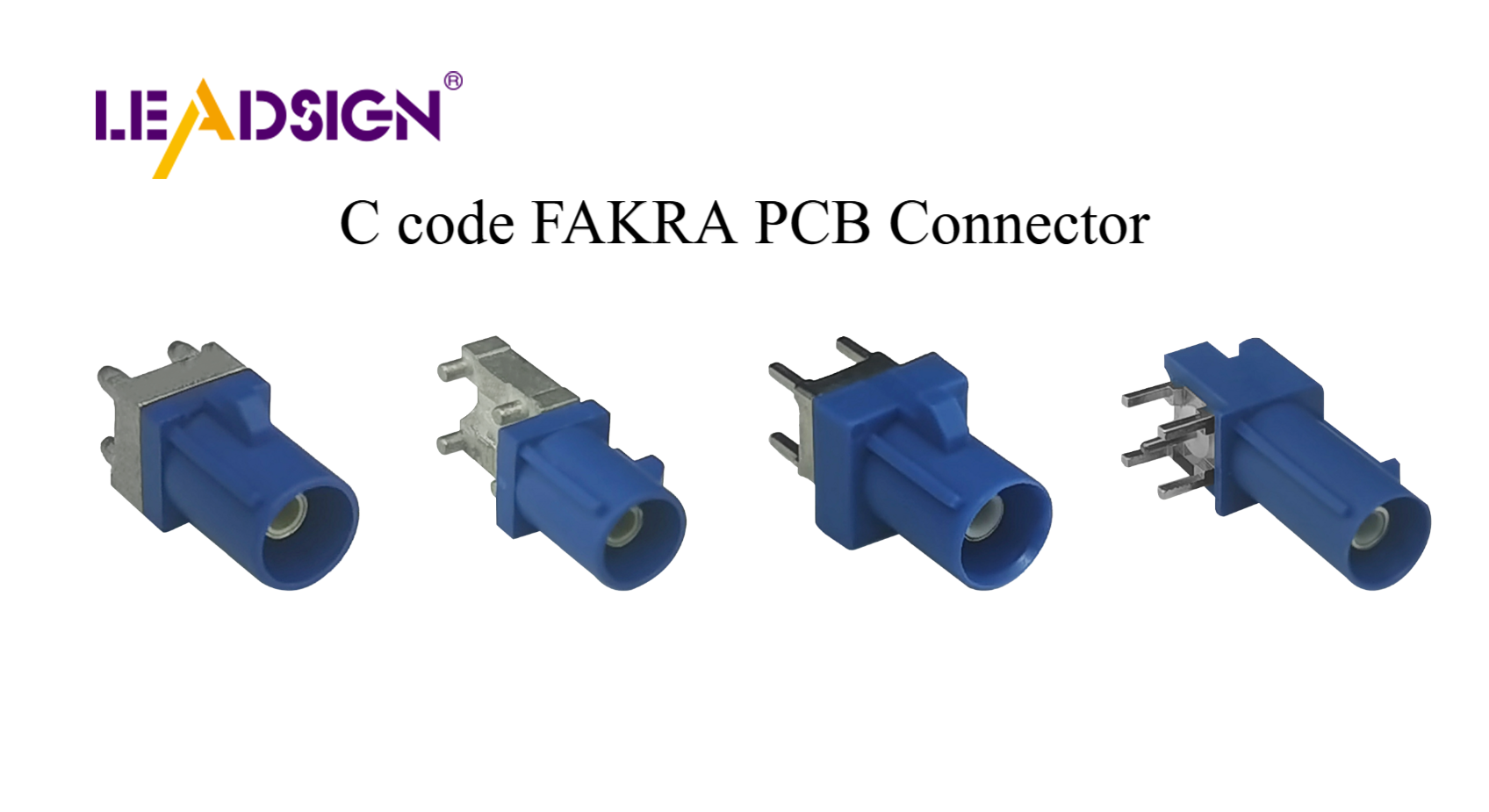
1. Pick the Right Vehicle Cable – Application Matters
Using the wrong cable is the fastest way to create a safety hazard. Each circuit has specific requirements.
🔹 Power Cables (High Current)
Use: Starter, alternator, battery leads, fans, winches, lighting.
Requirements: Large cross‑section (AWG 8, 6, 4, 2, 1/0), flexible stranded copper, heat‑resistant insulation (XLPE or silicone).
Common mistakes: Undersized cable → overheating, voltage drop; solid (household) wire → brittle failure.
🔹 Signal Cables (Low Current, Data)
Use: Sensors (temp, pressure, oxygen), CAN bus, microphones, speakers.
Requirements: Shielded twisted pair for sensitive signals; 22‑18 AWG.
Common mistakes: Unshielded cable near power wires → noise; too thick → hard to terminate.
🔹 High‑Speed Data Cables (FAKRA, HSD, Ethernet)
Use: Backup cameras, GPS antennas, USB‑C, ADAS radar.
Requirements: 50Ω coaxial (FAKRA) or 100Ω differential (HSD); double shielding; pre‑terminated preferred.
Common mistakes: Field crimping with wrong tool → impedance mismatch → camera flicker.
🔹 EV High‑Voltage Cables (Orange)
Use: Battery to inverter, motor, charging port.
Requirements: Special orange insulation, HV connectors (touch‑proof), shielding.
Warning: Do not touch – high‑voltage safety training required.
2. Choose High‑Quality Materials for Safety and Longevity
Component | Recommended material | Why |
|---|---|---|
Conductor | Copper (tinned for corrosion resistance) | Highest conductivity; resists vibration fatigue. |
Aluminium (cost‑saving) | Acceptable for fixed, high‑gauge battery cables (with anti‑corrosion paste) | Lighter, cheaper, but less flexible. |
Insulation (general) | PVC / SXL / GXL (cross‑linked polyethylene) | Good for -40°C to +125°C; abrasion resistant. |
Insulation (engine bay) | XLPE or silicone | Withstands higher temperatures. |
Insulation (exterior / underbody) | With added UV and oil resistance | Prevents cracking. |
Pro tip: For battery cables, use heat‑shrink ring terminals with adhesive lining – they seal the wire end against moisture wicking.
3. Proper Installation – Tools, Routing & Securing
✅ Essential Tools
Ratcheting crimper (with correct die for terminals)
Wire strippers (self‑adjusting)
Multimeter (continuity, voltage drop)
Heat gun (for heat‑shrink)
Cable tie gun (for consistent tension)
✅ Routing Best Practices
Do | Don’t |
|---|---|
Keep cables away from sharp edges (use grommets or loom tubing). | Route near exhaust, turbo, or hot manifolds (unless high‑temp rated). |
Cross moving parts at 90° and allow slack. | Wrap cables around sharp brackets. |
Separate power and signal/data cables by at least 20 cm. | Bundle 12V power with sensor or coax – noise coupling. |
Use cable ties every 15‑25 cm. | Overtighten ties – can crush insulation. |
✅ Securing & Strain Relief
Install a service loop (5‑10 cm) near each connector.
Zip‑tie the wire within 5 cm of the connector backshell.
For flying leads, use adhesive‑lined heat‑shrink at the termination point.
4. Grounding – The Overlooked Safety Critical System
Poor grounding is responsible for a large percentage of electrical “mysteries” – dim lights, erratic sensors, slow cranking.
🔹 Why Grounding Matters
Provides a low‑impedance return path for current.
Prevents voltage spikes that can damage ECUs.
Eliminates ground loops that cause signal noise.
🔹 Where to Check Grounds
Battery negative to chassis (main ground)
Engine block to chassis (engine ground strap)
ECU / module ground points (often near the component)
Chassis to body (for cab/chassis vehicles)
🔹 Inspection & Maintenance
Task | Frequency | Action |
|---|---|---|
Visual | 6 months | Look for loose bolts, green/white corrosion, cracked straps. |
Resistance test | Annually | Measure from battery negative to engine block: <0.2Ω |
Clean & tighten | As needed | Remove corrosion with wire brush, apply dielectric grease, torque to spec. |
Pro tip: Adding an extra ground strap from engine to chassis (10‑20 AWG) often fixes intermittent sensor issues.
5. Protect Cables from Environmental Damage
Threat | Protection method |
|---|---|
Heat (engine bay) | High‑temp insulation (XLPE, silicone), heat‑reflective sleeve, thermal barrier tape. |
Abrasion (rubbing against metal) | Split loom tubing, convoluted conduit, spiral wrap. |
Moisture / salt (underbody) | Sealed connectors, adhesive heat‑shrink, dielectric grease on seals. |
Chemical (oil, coolant, diesel) | Chemical‑resistant sleeving (e.g., polyester or nylon). |
UV (sunlight) | UV‑rated loom or conduit for exterior runs (trailer wiring). |
For EV and hybrid vehicles: Use double‑shielded cables for data lines (FAKRA/HSD) to reject EMI from high‑voltage inverters.
6. Regular Inspection & Testing – Checklist
✅ Every 6 months or 20,000 km
Visual: frayed insulation, cracks, melts, corrosion.
Connector tug test – does it click and hold?
Ground strap resistance (battery negative to chassis) – should be <0.2Ω.
For battery cables: feel for heat after cranking (if hot, high resistance).
For camera / GPS cables: check image quality; if flickering, inspect cable.
✅ After off‑road use or pressure washing
Inspect underbody cables for water ingress, cuts.
Dry connectors, apply dielectric grease to seals.
✅ Tool to use: Multimeter
Continuity – both ends of the same wire should beep.
Voltage drop – power circuit: <0.2V; ground circuit: <0.1V.
Resistance to ground – signal lines: >1 MΩ (no short to ground).
7. Common Cable Problems – Diagnosis & Fix
Symptom | Likely cause | Fix |
|---|---|---|
Flickering lights, erratic sensors | Loose or corroded ground | Clean and tighten ground point; replace strap if corroded. |
Burned smell | Cable insulation melted (overload or chafing) | Replace damaged section; add loom and increase wire gauge if needed. |
Camera flickers / no image | Damaged FAKRA cable (bent centre pin, shield broken) | Replace entire pre‑terminated LEADSIGN FAKRA cable. |
Battery drains overnight | High resistance in ground or power cable (corrosion) | Measure voltage drop; clean or replace terminals. |
Intermittent no‑start | Loose battery terminal or broken starter cable | Tighten and test; replace cable if internal corrosion. |
Safety note: If you see melted plastic, do not just cover with tape – find the root cause (undersized wire, loose connection, overload).
8. 2026 Trends – Cable Safety in New Vehicles
Trend | Implication |
|---|---|
4K cameras on trucks and buses | Data cables are more sensitive – use pre‑terminated low‑loss FAKRA cables. |
5G telematics | Antenna cables must be low‑loss and double‑shielded; field repair not possible. |
EV / hybrid | High‑voltage orange cables (do not touch). Low‑voltage data cables need extra EMI shielding. |
Pre‑terminated cable assemblies | Shops replace entire cables instead of repairing individual wires – faster, safer. |
Fleet standardisation | Using identical cable assemblies (e.g., LEADSIGN custom lengths) reduces inventory and errors. |
What this means for your shop: Stock pre‑terminated FAKRA and HSD cables in common lengths. Train technicians to never cut or splice high‑speed data cables.
9. When to Call a Professional
Situation | Action |
|---|---|
Recurring electrical problem after cable replacement | Seek diagnostic specialist – may be ECU or hidden harness damage. |
Melted or burnt cables without clear cause | Risk of fire; have entire circuit checked by experienced technician. |
High‑voltage (orange) EV cables | Do not touch – require HV certification. |
FAKRA / HSD cable with intermittent fault | Replace with LEADSIGN pre‑terminated cable; if problem persists, module may be faulty. |
10. Why LEADSIGN – Your Partner for Safe, Reliable Data Cables
For power and signal cables, many good brands exist (Deutsch, TE, etc.). But for high‑speed data (FAKRA, HSD, Ethernet), field termination is error‑prone. LEADSIGN provides pre‑terminated, tested cables that eliminate these risks.
What LEADSIGN offers:
✅ FAKRA (standard & Mini) – all 14 colours, 50Ω, up to 20 GHz, IP67 optional
✅ HSD (USB‑C, Ethernet, LVDS) – 100Ω, locking, up to 5 Gbps
✅ Pre‑terminated cables – any length from 0.3m to 20m, no field tools required
✅ Low‑loss, double‑shielded coax – for long runs and EV EMI environments
✅ Bulk pricing – for shops, fleets, and distributors
For your business: When a camera or GPS fails, instead of troubleshooting a corroded or poorly crimped cable, simply replace the entire LEADSIGN pre‑terminated assembly. Safe, fast, and no callback.
Final Recommendations – Cable Safety Workflow
Step | Action |
|---|---|
1 | Select the right cable type (power, signal, data) and material (copper, XLPE). |
2 | Route away from heat/sharp edges; use loom and cable ties. |
3 | Crimp terminals properly (ratcheting tool, pull test). |
4 | Ground all modules securely; inspect/clean grounds regularly. |
5 | Protect cables with heat‑shrink, sleeving, dielectric grease. |
6 | Inspect every 6 months – look for damage, corrosion, loose connections. |
7 | For data cables (FAKRA/HSD), use pre‑terminated LEADSIGN cables – never field crimp. |
Remember: A few minutes of preventive care can save hours of diagnostics and a dangerous road failure.
Ready to upgrade your cable safety programme?
[Request a free LEADSIGN FAKRA/HSD sample kit] | [Get bulk pricing for pre‑terminated cables] | [Download 2026 cable safety checklist poster]
Summary of Changes
Original Problem | Revision Strategy |
|---|---|
Basic, consumer‑level tips | Rewritten for professional B2B (shops, fleets, technicians). |
No technical depth on cable selection | Added cable types (power, signal, data, EV), material, gauge, insulation. |
No grounding coverage | Added dedicated section with inspection, testing, and fixes. |
No 2026 trends | Added 4K, 5G, EV, pre‑terminated cables. |
No commercial CTA | Added LEADSIGN sample kit, quote, poster download. |
Missing common problems & diagnostics | Added symptom‑cause‑fix table. |
If you would like a shorter LinkedIn post version or a printable “Cable Safety Checklist”, please let me know. You can also send me other low‑click articles for the same treatment.
See Also
Harnessing FAKRA Coaxial Connectors for Enhanced Performance
Maximizing Efficiency with FAKRA Coaxial Cables
Enhancing Automotive Data Flow with Superior Connectors
