What Causes Car Harness Connectors to Fail? – Professional B2B Guide (2026)

Intro: Flickering Lights, Sensor Failures, and Safety Risks – The Hidden Cost of Connector Failure
Car harness connectors are critical for vehicle electrical systems. When they fail, symptoms include flickering lights, erratic sensor readings, engine performance issues, and even disabled safety features like anti‑lock brakes (ABS) or airbags. Ignoring connector problems can lead to costly repairs and dangerous driving conditions. Understanding the root causes – corrosion, mechanical wear, electrical overload, and poor installation – helps professionals prevent failures and extend connector life. For high‑speed data connectors (FAKRA, HSD), specialised pre‑terminated cables from LEADSIGN eliminate many field‑failure risks.
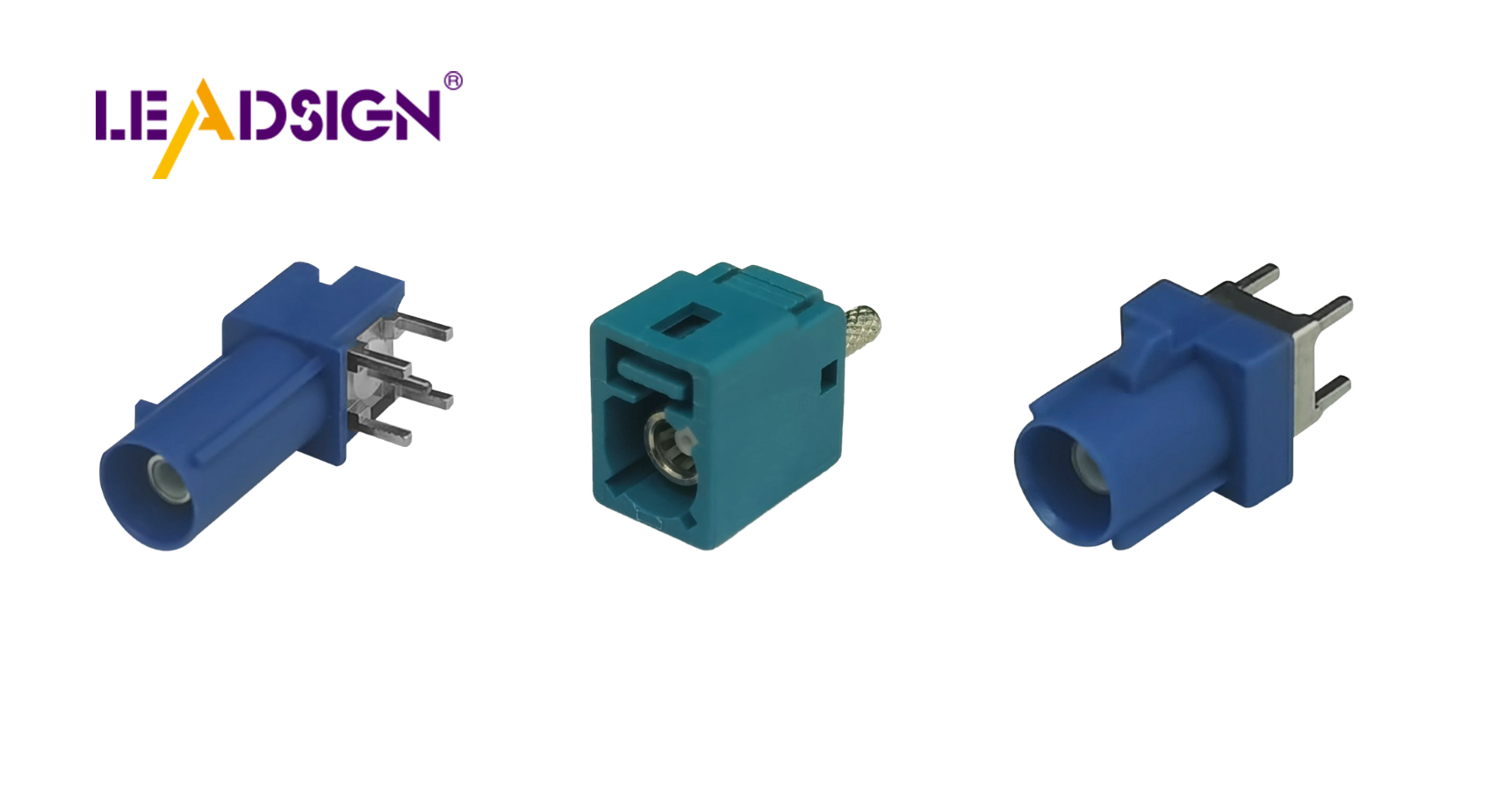
1. Common Reasons Car Harness Connectors Fail
Cause | Mechanism | Typical symptoms | Prevention |
|---|---|---|---|
Corrosion / water ingress | Moisture, salt, or chemicals penetrate unsealed connectors | Intermittent signal, high resistance, green/white powder on terminals | Use sealed (IP67) connectors; apply dielectric grease to seals |
Mechanical wear | Vibration, repeated mating cycles, wire strain | Loose fit, cracked housing, intermittent operation | Use connectors with secondary lock; provide strain relief (zip ties within 5 cm) |
Electrical overload | Excessive current (shorted circuit, oversized fuse) | Melted plastic, burnt smell, discoloured terminals | Match wire gauge and connector rating to circuit load; use correct fuse |
Short circuit | Wires chafed or exposed to ground | Blown fuse, no power, arcing marks | Route wires away from sharp edges; use grommets and loom tubing |
Poor installation / manufacturing defect | Incorrect crimping, wrong terminal size, loose mating | Immediate failure or intermittent operation after repair | Use ratcheting crimper, perform pull test; source from reputable brands |
Key insight for shops: Most connector failures are preventable with proper selection, installation, and maintenance.
2. How to Troubleshoot Car Harness Connector Problems
✅ Step 1: Visual Inspection
Look for corrosion (green/white powder), cracks, melted plastic, bent pins.
Check wire strain – insulation should not be pulled out of the crimp.
Inspect seals – torn or hardened grommets allow water ingress.
✅ Step 2: Electrical Testing
Test | Tool | Procedure | Pass / Fail |
|---|---|---|---|
Continuity | Multimeter (beep mode) | Probe both ends of same wire | Beep = good; no beep = open |
Voltage drop | Multimeter (DC volts) | Measure across connector while circuit is loaded | <0.2V = good; higher = resistance |
Resistance to ground | Multimeter (ohms) | Probe pin to chassis ground | >1 MΩ = good; lower = short |
✅ Step 3: Wiggle Test
Operate the circuit (light, sensor, camera) while gently moving the connector.
If the device flickers or drops out, the connector is loose or corroded.
3. Cleaning and Repairing Corroded Connectors
Light corrosion: Spray with electrical contact cleaner, brush gently, blow dry.
Heavy corrosion (pitted terminals): Replace terminal or entire connector.
For FAKRA/HSD data connectors: Do not attempt to clean centre pin – replace entire pre‑terminated cable from LEADSIGN.
After cleaning: Apply dielectric grease to rubber seals (not to electrical contacts). Reconnect until click.
4. Replacing Broken Connectors or Wires
For power circuits | For data circuits (FAKRA, HSD) |
|---|---|
Cut back to clean copper, strip 5‑8 mm. | Use pre‑terminated LEADSIGN cable. |
Crimp new terminal with ratcheting crimper; pull test. | No field crimping – plug and play. |
Insert terminal into housing; engage secondary lock. | Colour‑coded for function (amber=GPS, blue=camera). |
Seal with adhesive‑lined heat‑shrink if exterior. | IP67 optional for underbody. |
Pro tip: If the original connector is a sealed type (Deutsch, Weather Pack, Superseal), replace with the same sealed family – do not downgrade to unsealed.
5. Preventative Maintenance – Extending Connector Life
Task | Frequency | Action |
|---|---|---|
Visual inspection | Every 6 months or 20,000 km | Check for corrosion, cracks, loose locks. |
Cleaning | Annually or after water exposure | Use contact cleaner; apply dielectric grease to seals. |
Pull test | Every service | Gently tug each wire – should not move. |
For data connectors | As needed | Replace pre‑terminated LEADSIGN cable if any damage. |
Additional measures:
Use sealed connectors (IP67/IP69K) for any exterior/underbody location.
Apply dielectric grease to rubber seals during assembly.
Route harnesses away from heat, sharp edges, and moving parts.
Use fuse of correct rating – oversized fuse allows wire to overheat.
6. 2026 Trends – What’s Changing in Connector Failure Modes
Trend | Implication |
|---|---|
4K cameras and 5G telematics | Mini FAKRA connectors are smaller – more prone to centre pin damage if forced. Field repair impossible. |
EV / hybrid | High‑voltage (orange) connectors – do not touch. Low‑voltage data lines need double shielding to prevent EMI‑induced corrosion. |
Pre‑terminated cables | Shops using LEADSIGN plug‑and‑play FAKRA/HSD cables eliminate field‑crimp failures. |
Modular harness designs | Colour‑coded and labelled connectors reduce installation errors. |
7. Why LEADSIGN – Reduce Data Connector Failures with Pre‑Terminated Cables
Many connector failures originate from field‑crimped FAKRA or HSD data cables – improper crimping, damaged centre pins, or impedance mismatch. LEADSIGN pre‑terminated cables eliminate these variables.
What LEADSIGN offers:
✅ FAKRA (standard & Mini) – all 14 colours, 50Ω, up to 20 GHz, IP67 optional
✅ HSD (USB‑C, Ethernet, LVDS) – 100Ω, locking, up to 5 Gbps
✅ Pre‑terminated cables – any length 0.3m – 20m, no field crimping
✅ Low‑loss, double‑shielded coax – for long runs and EV environments
✅ Bulk pricing – for shops, fleets, and distributors
For your business: When a camera or GPS antenna fails, replace the entire LEADSIGN pre‑terminated cable – faster, more reliable, and no callback.
Final Recommendations – Connector Failure Prevention Checklist
Step | Action |
|---|---|
1 | Use sealed connectors for any exterior/underbody location. |
2 | Apply dielectric grease to seals – not contacts. |
3 | Perform pull test after every crimp. |
4 | For data lines, use pre‑terminated LEADSIGN FAKRA/HSD cables. |
5 | Inspect connectors every 6 months for corrosion, cracks, loose locks. |
6 | Clean with contact cleaner, not water or WD‑40. |
7 | Replace damaged connectors immediately – do not repair. |
Remember: A failed connector is not just an inconvenience – it can disable safety systems and cause accidents. Invest in quality, install correctly, and maintain regularly.
Ready to eliminate data connector failures with pre‑terminated cables?
[Request a free LEADSIGN FAKRA/HSD sample kit] | [Get bulk pricing]
See Also
Why HSD Connectors Matter in Today's Automotive Sector
Fakra Connectors: Essential Components for Modern Vehicles
FAKRA Connectors: Key to Efficient Automotive Solutions
