BMW Screen Upgrade for F30 Display Retrofit | Leadsign

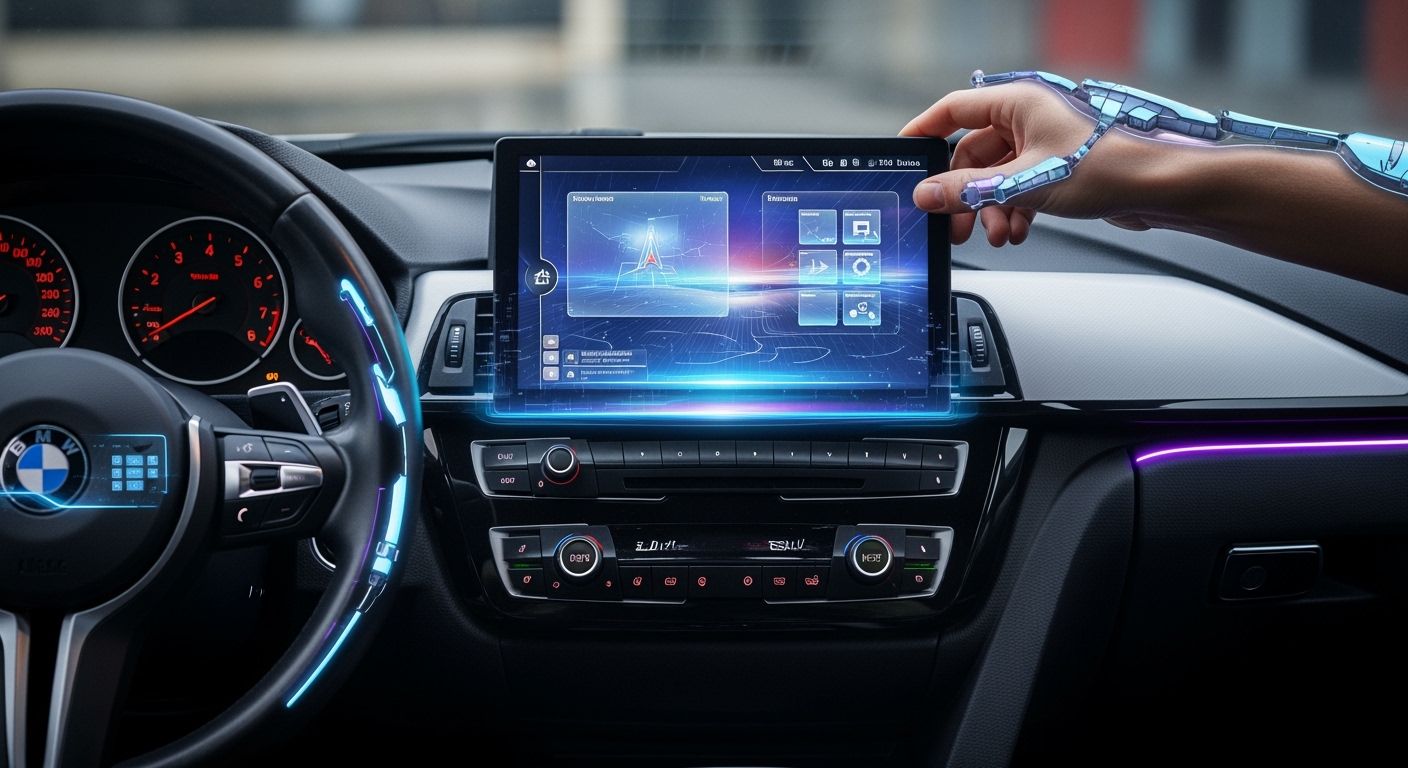
You want your BMW F30 to feel new and connected. Upgrading your screen with a LEADSIGN kit can help. The carplay radio adds new features and a cool look. Your dashboard will look better with this upgrade. You can do the upgrade yourself or get help from a pro. LEADSIGN gives you a simple and strong solution. It is made to last a long time. Many BMW F30 owners pick this upgrade for better connection. They also want a more fun driving experience.
Key Takeaways
Make your BMW F30 better with a LEADSIGN kit. It gives your car a new style and better connections. You can use wireless Apple CarPlay and Android Auto. This lets you get to apps, music, and maps easily. The kit is simple to install. You only need basic tools. Most cars do not need coding. LEADSIGN products are checked for quality. This means you can trust them and have fun driving. Look at your car to see if it works with the kit. Get your workspace ready so installing is easy.
LEADSIGN F30 Display Retrofit Overview
Product Features
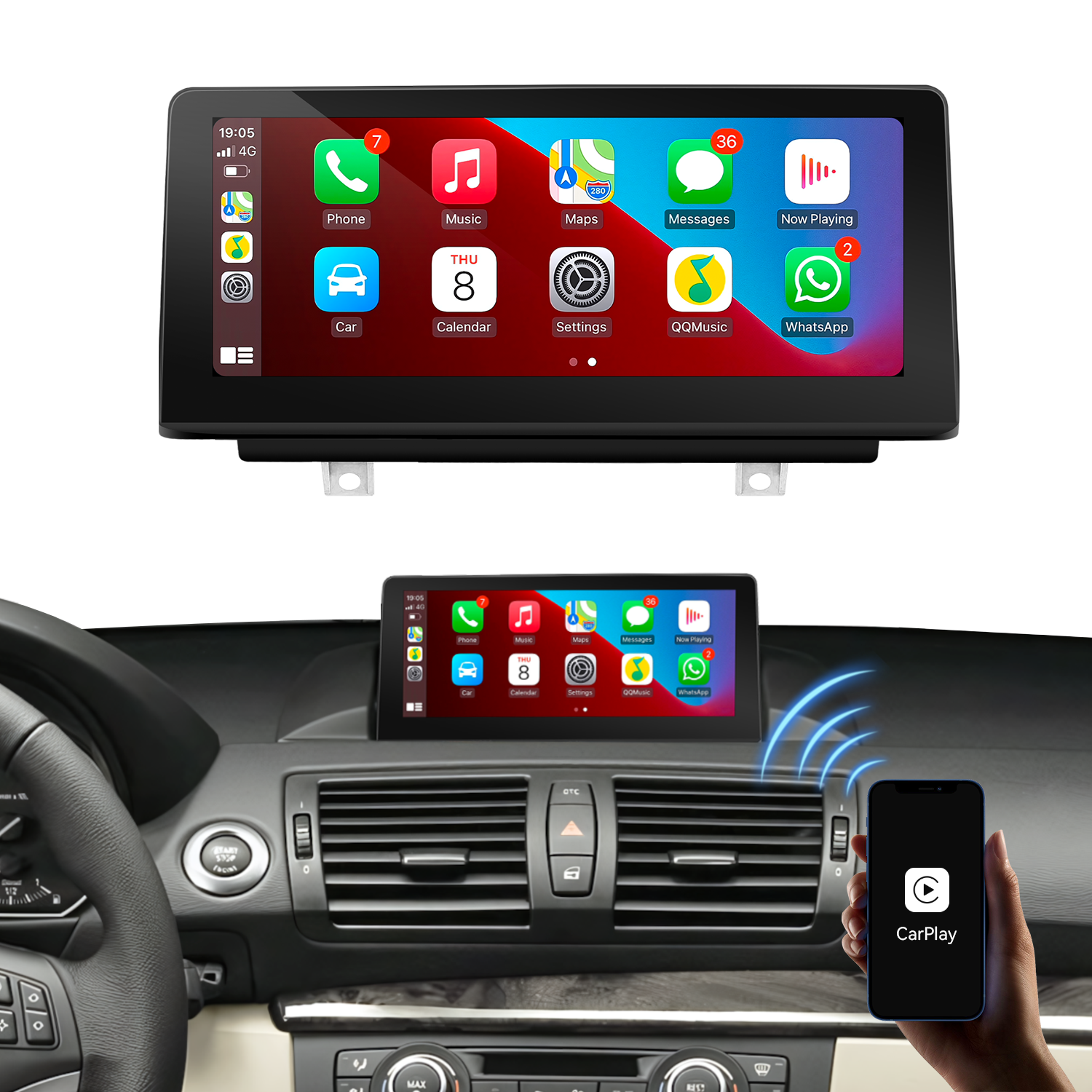
You want your BMW F30 to have new tech. LEADSIGN has many products to make your car’s infotainment system better. You can pick navigation retrofits, Apple CarPlay integration, or car audio upgrades. Each product is easy for you to use. You do not have to worry about hard steps to install. LEADSIGN makes sure their products work with older BMW F30 cars. You will see big changes from the old systems. The carplay radio gives your dashboard a fresh look. The screen looks clearer and works faster.
Navigation retrofits
Apple CarPlay integration
Car audio upgrades
Tip: LEADSIGN products make driving easier and more fun with simple features.
Brand Achievements and Quality
LEADSIGN is a top company in car electronics. The company has important certificates for quality and reliability. You can trust LEADSIGN because their products meet high world standards. The company helps many customers, like car makers and suppliers. LEADSIGN gives both OEM and ODM services, so you can get custom products. The team works hard on new ideas and making customers happy. You get good quality and smart design from their team. LEADSIGN sells products and gives help all over the world.
Certified for quality and reliability
Trusted by automotive OEMs and suppliers
Offers OEM/ODM services for custom solutions
Focuses on innovation and customer satisfaction
Note: LEADSIGN wants to help you make great car products with new tech and strong support.
Carplay Radio Benefits
Enhanced Connectivity
You want your BMW F30 to connect to your phone fast. The carplay radio lets you use Apple CarPlay and Android Auto without wires. You can use GPS, call people, send texts, and play music. You do not need to plug in your phone. The system lets you use your favorite apps on the dashboard. You have more freedom and do not need extra cables.
Feature | LEADSIGN Carplay Radio | Factory System |
|---|---|---|
Yes | No | |
Full-Screen Display | Yes | Split-Screen |
Access to Smartphone Apps | Yes | Limited |
Tip: You get a big screen and can use more apps than before.
Improved Display and Interface
The carplay radio gives you a bigger and clearer screen. The touchscreen is quick and easy to use. You can change music and volume with your steering wheel. The system works with both wired and wireless CarPlay and Android Auto. All the cables you need come in the box. The sound uses the original aux output, so it still sounds great.
Touchscreen works with the original aux output for sound
You can use the steering wheel to control music and volume
Wired and wireless CarPlay and Android Auto both work
All cables for setup are included
User Convenience
The carplay radio saves you time and effort. The setup is easy and you do not need special tools. You can switch apps fast. The system helps you keep your hands on the wheel and eyes on the road. The new interface makes driving safer and more fun.
Note: You add features to your BMW F30 that make every drive easier and more connected.
Compatibility and Requirements
Supported F30 Models
You want to make sure your BMW F30 matches the retrofit kit. The carplay radio works with many F30 models. You can check your car’s year and system before you start. Here are the main points:
BMW F30 models from 2011 to 2017 support the upgrade.
Cars with the NBT Evo ID5/6 head unit, which started in 2017, are compatible.
If your F30 has the CarPlay Preparation (S6CPA) option, you can use this kit.
Some late-model F30s may already have hardware for Apple CarPlay.
Tip: Always check your car’s build sheet or ask your dealer if you are not sure about your system.
Tools and Parts Needed
You need the right tools and parts for a smooth installation. Most of the time, you will use basic hand tools. The kit includes all main cables and connectors. Here is a quick look at what you need:
Prerequisite | Details |
|---|---|
Screen Size | |
Compatible System | NBT system |
Model Compatibility | BMW 1/2/3/4 Series F20 F21 F23 F30 F31 F32 F33 F34 F36 (2011-2017) |
AUX Interface Requirement | Original car must have an AUX output; if not, activation or additional equipment is needed. |
Note: If your car does not have an AUX output, you may need to visit a workshop or get a Fiber Optic box.
Pre-Installation Tips
You want your upgrade to go well. Here are some tips to help you prepare:
Check if your car has an AUX interface for sound output.
If you do not see an AUX, ask a local shop to activate it or buy a Fiber Optic box.
Confirm your BMW uses the NBT system and matches the model number before you buy the kit.
Tip: Taking these steps before you start will save you time and help you avoid problems during installation.
LEADSIGN Carplay Radio Installation
Preparation Steps
You start by gathering all tools and parts. You check the kit for cables, connectors, and the new display. You make sure your BMW F30 has an AUX output. If your car does not have AUX, you visit a local workshop to activate it or purchase a Fiber Optic box. You park your car in a safe place and disconnect the battery. You protect your dashboard with a soft cloth. You keep all screws and trim pieces in a tray.
Tip: Prepare your workspace and organize your tools before you begin. This helps you avoid mistakes and keeps your car safe.
Removing the Old Screen
You use a trim removal tool to gently lift the dashboard trim. You remove the screws holding the old screen. You pull the screen out slowly and unplug the connectors. You check the wiring for damage. You keep the old screen in a safe place. You clean the area around the screen opening.
Remove dashboard trim with a plastic tool
Unscrew and pull out the old display
Disconnect all cables and check for damage
Installing the New Display
You take the new LEADSIGN display from the kit. You connect the provided cables to the back of the screen. You match each connector to its port. You slide the new display into the opening. You secure it with screws. You replace the dashboard trim. You make sure the screen sits flush and looks neat.
Note: The LEADSIGN kit includes all necessary cables and connectors. You do not need to modify your car’s wiring.
Setting Up Carplay Radio
You turn on your car and the new display. You enter the settings menu. You navigate to System, then Factory (8866), and then Car Setup. You select the correct version to access the OEM system. You set the audio output to AUX in the OEM system. You check the sound quality. For camera settings, you go to Setting, then Reverse. You choose 'Original' for a factory-installed camera or 'CVBS-NTSC' for an aftermarket camera. You test the carplay radio features, including Apple CarPlay and Android Auto. You connect your phone wirelessly and try GPS, music, and calls.
Enter System > Factory (8866) > Car Setup.
Select the correct OEM version.
Set audio output to AUX.
Adjust camera settings as needed.
Tip: Test all functions before finishing the installation. Make sure the carplay radio works with your phone and apps.
Final Checks
You check the screen for clear visuals. You test the touchscreen for quick response. You use the steering wheel controls to change music and volume. You confirm that the carplay radio connects to your phone. You check the sound output from AUX. You review all cables and connectors for tightness. You make sure the dashboard trim fits well. You keep your installation manual for future reference.
If you prefer, you can ask a professional installer to handle the upgrade. LEADSIGN offers support for both DIY and professional installations. For help, contact LEADSIGN at info@leadsign.info or call 86-755-23323415.
User Experience
Real-World Feedback
You can find many BMW F30 owners sharing their stories online. Most users say the LEADSIGN kit makes their car feel new again. People on BMW forums talk about how easy it is to install. Many say the screen looks sharp and bright. Some users post before-and-after photos to show the big difference. You will see comments about better sound and faster system response. Owners often mention that the kit fits well and matches the original look of the dashboard.
"The LEADSIGN upgrade changed my daily drive. The new screen is clear, and I love using my favorite apps," says one F30 owner.
Interface Usability
You will notice the new interface is simple to use. The menus are easy to read. You can switch between apps with just a tap. The touchscreen responds quickly to your touch. You can use the steering wheel buttons to control music and calls. The system supports both Apple CarPlay and Android Auto. You do not need to learn anything new. The layout feels familiar and modern.
Quick access to navigation, music, and calls
Easy-to-read icons and menus
Smooth transitions between screens
Performance Insights
You will enjoy fast startup times with the LEADSIGN system. The carplay radio connects to your phone in seconds. You can stream music without delays. The sound quality stays strong through the original AUX output. The display does not lag or freeze. You can use voice commands for hands-free control. Many users report that the system stays stable even after months of daily use.
Feature | User Rating (out of 5) |
|---|---|
Display Quality | 4.8 |
Touch Response | 4.7 |
Connectivity | 4.9 |
Ease of Use | 4.8 |
Tip: You can contact LEADSIGN support if you have questions about your system or need help with setup.
Common Questions and Troubleshooting
Installation Issues
You might have questions when you install the kit. Sometimes, the screen will not turn on or there is no sound. Check all cables and connectors first. Make sure the power and AUX cables are tight. If the display does not fit, check if your BMW F30 is the right model. Always use the tools from the kit and follow the manual step by step. If you see error messages, restart your car and look at the settings menu. If problems do not go away, ask LEADSIGN support for help.
Tip: Take pictures of each step as you remove and install parts. This helps you remember where each cable and screw belongs.
Warranty and Support
LEADSIGN gives you a warranty and support so you feel safe. You can return your BMW F30 Carplay radio retrofit within 14 days. The return period starts when you get your product. Read the return policy to learn about returns, refunds, cancellations, or exchanges. If you have questions about shipping or returns, contact LEADSIGN directly. Their team answers fast and helps you fix any problems.
Support Option | Details |
|---|---|
Return Window | 14 days from delivery |
Contact Email | |
Phone Support | 86-755-23323415 |
Note: Keep your receipt and product box until you finish installing and testing all features.
Software Updates
You want your Carplay radio to have the newest features. LEADSIGN gives software updates to make your system better. You can look for updates in the settings menu. If you need help, LEADSIGN support can show you how to update. Always use official update files from LEADSIGN to keep your system safe.
Look in the settings menu for update choices.
Download updates from LEADSIGN’s official website.
Ask support if you have trouble updating.
Updating your system gives you the best experience and new features.
You can make your BMW F30 better with a LEADSIGN Carplay radio retrofit. This upgrade adds new features and a bright screen. It lets your phone work easily with your car. LEADSIGN is known for good quality and new ideas. They care about making customers happy. You get special help and answers from experts. If you need more info or have questions, use the contact details below:
Details | |
|---|---|
Phone | +86 181 0027 7605 |
Operating Hours | 9:00 am to 5:00 pm |
Mailing Address | RM1301,Baihe Commerical Building #B,Xiangge Road,Buji Town, Longgang District,SZ,China |
Pick LEADSIGN if you want a safe, smart, and customer-friendly drive.
FAQ
How long does installation take?
Most users finish the installation in 1–2 hours. You can complete it faster if you prepare your tools and follow the manual step by step. If you need help, you can contact LEADSIGN support.
Do I need to code my BMW for this upgrade?
You do not need to code your BMW. The LEADSIGN kit works with your existing system. You only need to activate the AUX function if your car does not have it.
Will the retrofit affect my car’s warranty?
You keep your BMW warranty. The LEADSIGN retrofit does not change your car’s main wiring or software. You can remove the kit and return your car to its original state if needed.
How do I get software updates?
You can check for updates in the system settings. You can also visit the official LEADSIGN website or contact support for the latest files and instructions.
Who can I contact for technical support?
Support Type | Contact Information |
|---|---|
Phone | +86 181 0027 7605 |
LEADSIGN’s team answers quickly and helps you solve any issues.
See Also
Upgrade Your Vehicle Journey With HFM Rear Entertainment
Boost HFM Enjoyment Using Rear Seat Entertainment
Improve Car Communication With FAKRA PCB Connectors